← South Fork Apps

Morse Code Translator

Text
Morse Code
Morse code will appear here.
Decode Morse → Text
About this tool

Morse Code Translator

Morse Code Translator converts text to Morse and back, with audio playback so you can hear the rhythm as well as read the dots and dashes.

How to use it

  1. Type text to convert it to Morse, or paste Morse to decode it.
  2. Play the audio to hear the pattern.
  3. Copy either side.

The timing is the code

Morse is defined by relative timing, not by symbols on a page. A dash is three times the length of a dot. The gap between elements within a letter is one dot, between letters is three, and between words is seven.

Letter assignments were chosen by frequency: E is a single dot and T a single dash because they are the most common letters in English, while rarer letters get longer sequences. That is the same principle behind modern compression, arrived at a century earlier.

Worked example

The best known sequence:

  • Sdot dot dot
  • Odash dash dash
  • Sdot dot dot

Result: SOS was chosen for being unmistakable in rhythm, not because it stands for anything.
When it helps

  • Decoding Morse from a film, a game or a puzzle.
  • Learning the code by hearing rather than reading it.
  • Sending a simple signal with a light or a sound.
  • Amateur radio practice.

Common mistakes

  • Learning Morse visually from a chart. Operators learn it as rhythm, and reading dots on a page builds a habit that has to be unlearned.
  • Getting the gaps wrong. Timing between letters and words is what separates words from gibberish.
  • Believing SOS is an abbreviation. It was picked for its distinctive rhythm.
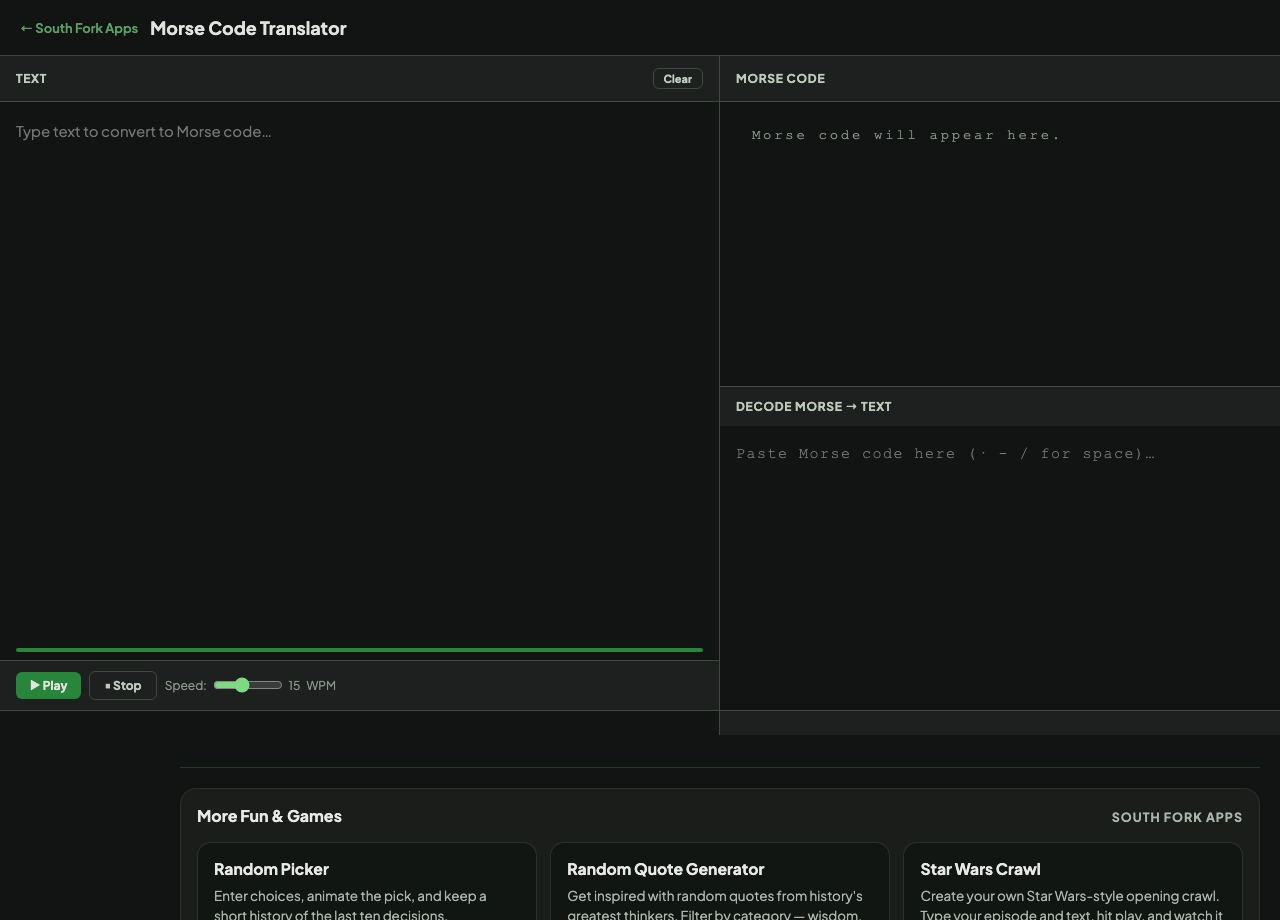
Morse Code Translator interface preview
Screenshot of the live Morse Code Translator interface.

v1.0