← South Fork Apps

NATO Phonetic Alphabet Converter

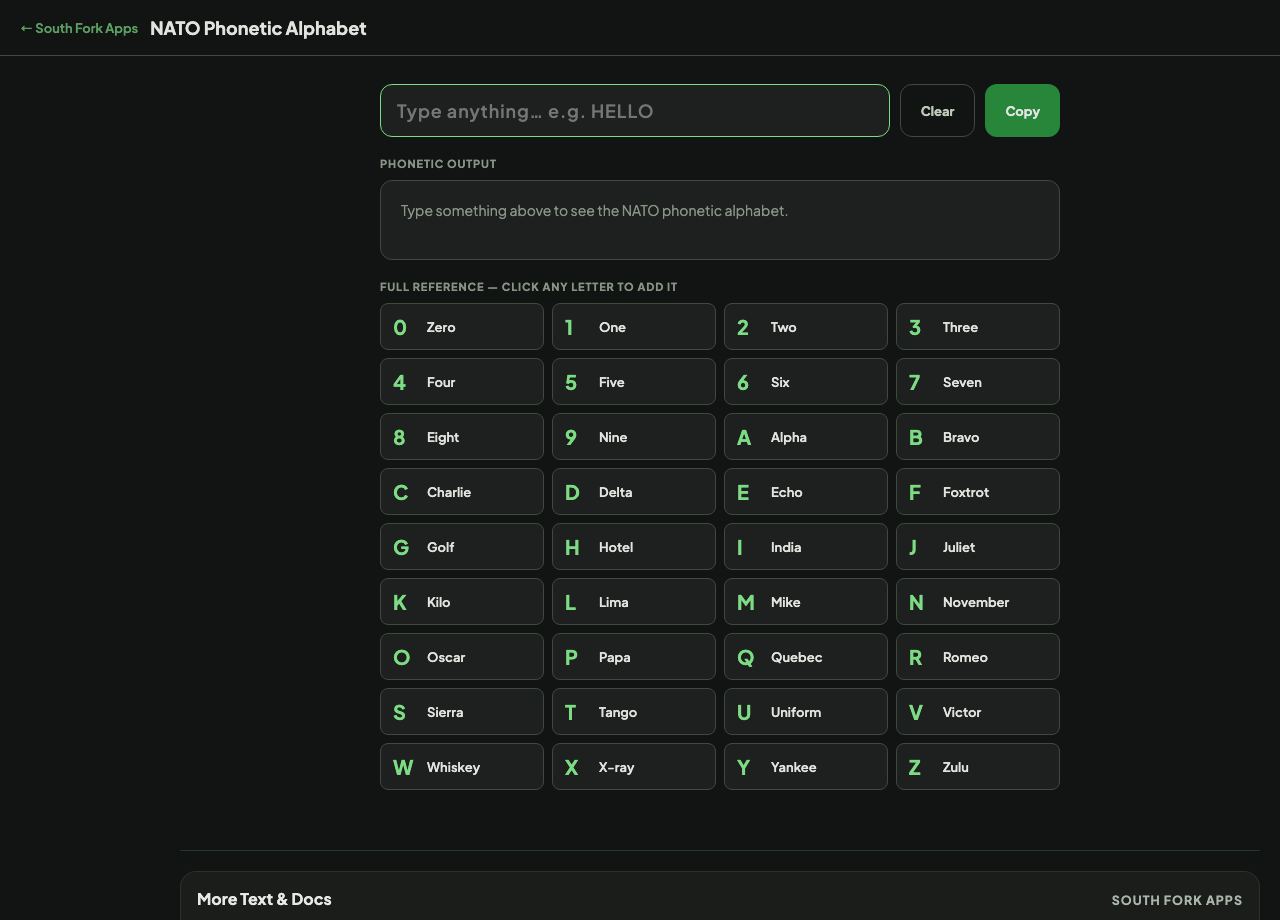
Type something above to see the NATO phonetic alphabet.

About this tool

NATO Phonetic Alphabet Converter

NATO Alphabet Converter turns text into the NATO phonetic alphabet, spelling each letter as Alfa, Bravo, Charlie and so on, so it can be read aloud without being misheard.

How to use it

  1. Type or paste the text you need to spell out.
  2. Read the phonetic version, and copy it if you need it in writing.

Why these particular words

The alphabet was chosen after extensive testing to find words that stay distinguishable over poor radio links and across accents. The whole point is that no two code words sound alike, even when the signal is bad.

Two spellings are deliberately irregular. Alfa is spelled with an f rather than ph, and Juliett has a double t, both so that speakers of languages where ph or a final t is silent still pronounce them correctly. They are not typos.

Worked example

Spelling a booking reference over the phone:

  • InputB7K
  • OutputBravo Seven Kilo

Result: Unambiguous where B and V, or K and A, would otherwise be confused.
When it helps

  • Reading a reference number, postcode or serial over the phone.
  • Confirming a spelling in a noisy environment.
  • Aviation, maritime and emergency radio use, where it is standard.
  • Dictating an email address or a password reset code without errors.

Common mistakes

  • Inventing your own words. A for Apple works until the other person expects Alfa and mishears.
  • Spelling Alfa as Alpha and Juliett with one t. Both are officially spelled the irregular way for a reason.
  • Using it for letters that are already unambiguous, which slows the exchange down without helping.
NATO Phonetic Alphabet Converter interface preview
Screenshot of the live NATO Phonetic Alphabet Converter interface.

v1.0