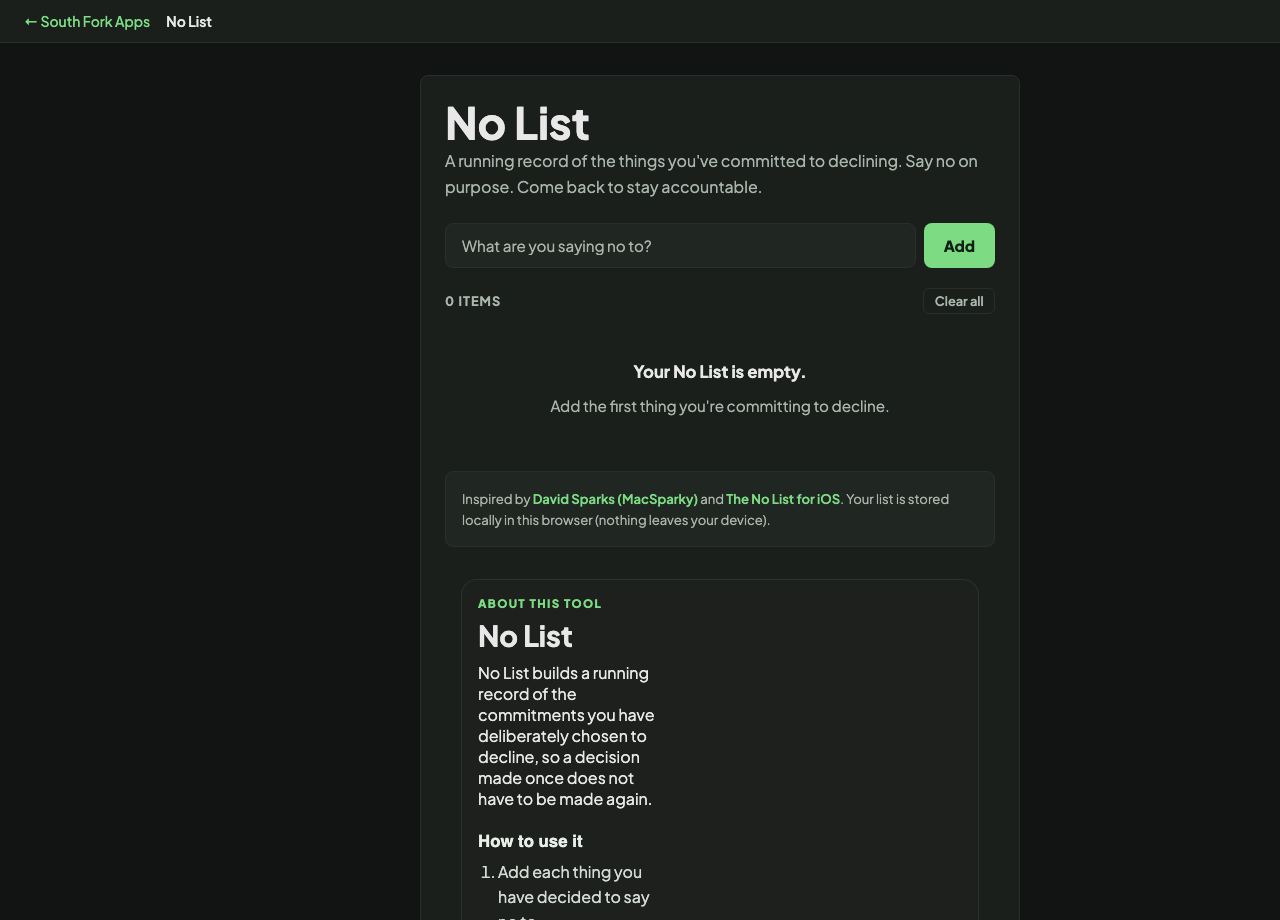
No List
A running record of the things you've committed to declining. Say no on purpose. Come back to stay accountable.
0 items
Inspired by David Sparks (MacSparky) and
The No List for iOS.
Your list is stored locally in this browser (nothing leaves your device).
About this tool
No List
No List builds a running record of the commitments you have deliberately chosen to decline, so a decision made once does not have to be made again.
How to use it
- Add each thing you have decided to say no to.
- Review the list when a similar request arrives.
- Keep it visible.
Why writing down the no matters
A to-do list records what you intend to do. Nothing records what you have decided not to, so the same request arrives repeatedly and gets re-evaluated from scratch every time, often with a different answer depending on how tired you are.
Writing the decision down converts it from a judgement call into a policy. Declining becomes a matter of consistency rather than of willpower in the moment, which is a much easier thing to sustain.
When it helps
- Recording standing decisions so they do not need remaking.
- Making it easier to decline without a fresh justification each time.
- Noticing patterns in what you keep being asked for.
- Reviewing periodically to check the decisions still hold.
Common mistakes
- Treating the list as permanent. Circumstances change and it deserves periodic review.
- Filling it with things you were never going to do anyway. It is only useful for genuine temptations.
- Using it to avoid every commitment. The point is protecting capacity for what matters, not minimising obligations.
What this tool handles
- Inspired by David Sparks' No List concept. Stored in your browser only.