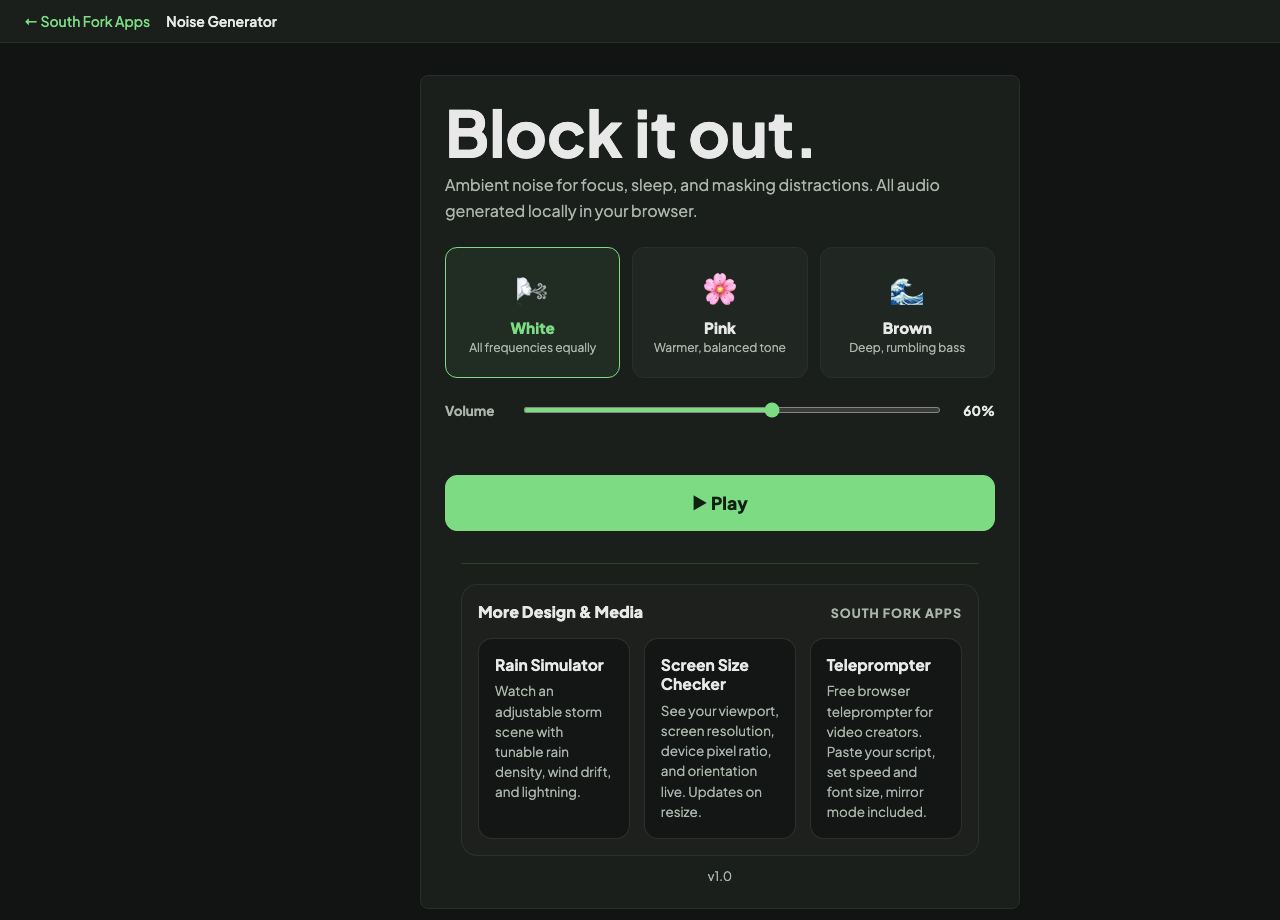
Noise Generator
Ambient noise for focus, sleep, and masking distractions. All audio generated locally in your browser.
Noise Generator
Noise Generator plays white, pink or brown noise continuously in your browser, generated live with no download and no streaming.
How to use it
- Choose white, pink or brown noise.
- Set the volume.
- Leave it playing for as long as you need.
How the three colours differ
White noise has equal power at every frequency, which makes it sound bright and hissy because human hearing has more resolution at high frequencies. Pink noise reduces power as frequency rises, at about 3 decibels per octave, which sounds balanced and is closer to natural sounds like rain.
Brown noise drops faster still, around 6 decibels per octave, leaving a deep rumble similar to heavy surf. Which one masks distraction best is personal, but pink and brown are more commonly preferred for long sessions because white noise fatigues the ear.
When it helps
- Masking office or household noise while concentrating.
- Creating a consistent background for sleep or rest.
- Covering intermittent sounds that break focus more than steady ones do.
- Testing audio equipment across the frequency range.
Common mistakes
- Playing it too loud. Prolonged loud noise carries real hearing risk, and masking works at modest volumes.
- Expecting it to block speech entirely. It reduces the contrast that makes speech intrusive rather than removing it.
- Using white when pink or brown would be gentler over hours.
What this tool handles
- Generated live with the Web Audio API. Nothing is downloaded or streamed.