Number Extractor
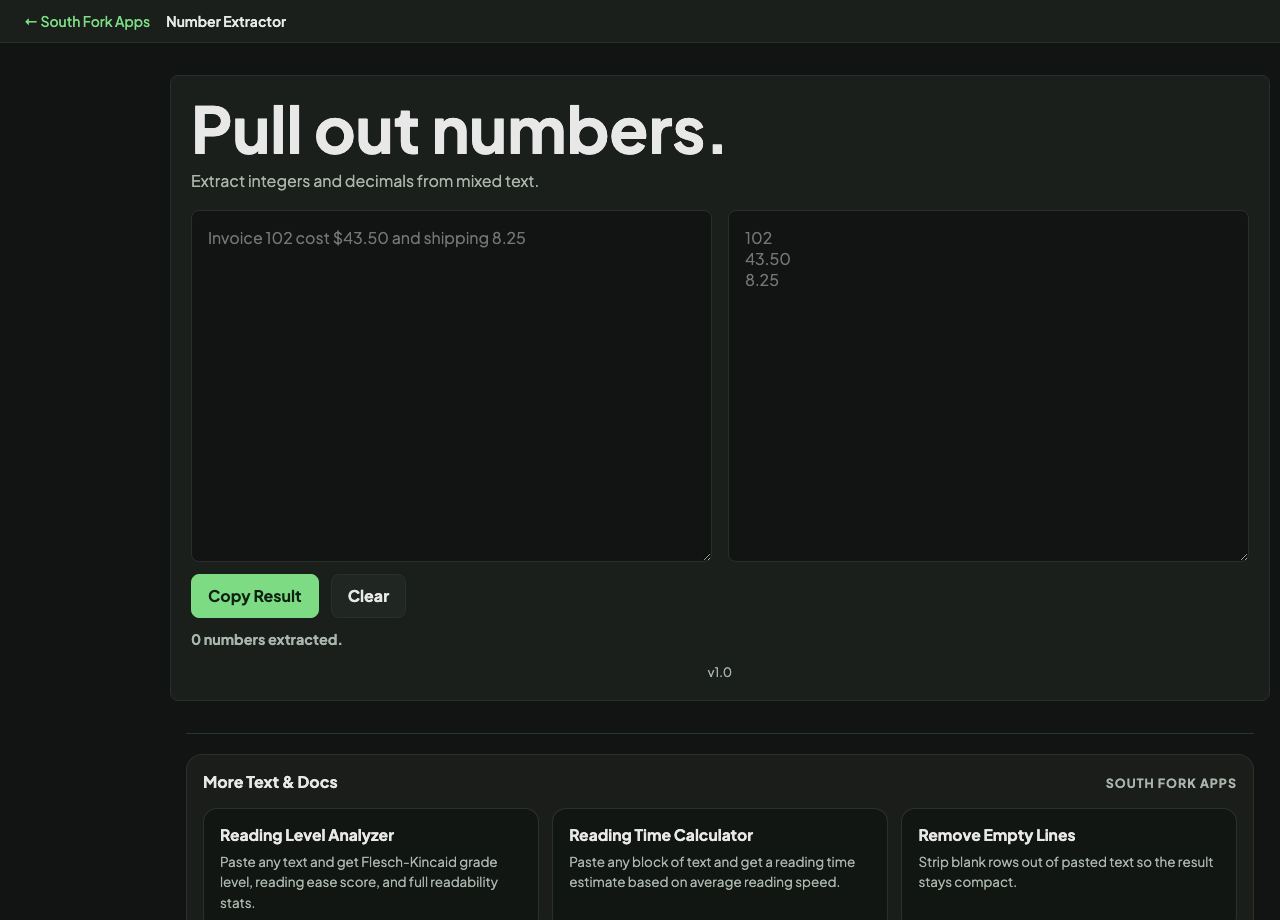
Extract integers and decimals from mixed text.
About this tool
Number Extractor
Number Extractor pulls all the numbers out of a block of text, which is the quickest way to get figures out of a report, an invoice, or a paragraph of prose into a usable list.
How to use it
- Paste text containing numbers.
- The extracted numbers appear below.
- Copy them out.
What counts as a number
Extraction has to decide about decimal points, thousands separators and signs. In most of the English-speaking world a comma groups thousands and a full stop is the decimal point, but much of Europe reverses the two, so 1.234 is a thousand-something in Berlin and one-point-something in Boston.
That ambiguity cannot be resolved from the digits alone, only from context. Check the output against the source when the text might have come from a different locale.
When it helps
- Getting figures out of a pasted report into a spreadsheet.
- Extracting quantities or prices from a block of prose.
- Pulling reference or order numbers out of an email.
- Collecting measurements from notes.
Common mistakes
- Assuming the locale. A comma might be a decimal separator, and the difference is a factor of a thousand.
- Losing the association between a number and what it referred to. Extraction gives you values without labels.
- Extracting from text with phone numbers or dates mixed in, which produces figures that are not quantities at all.