Number Formatter
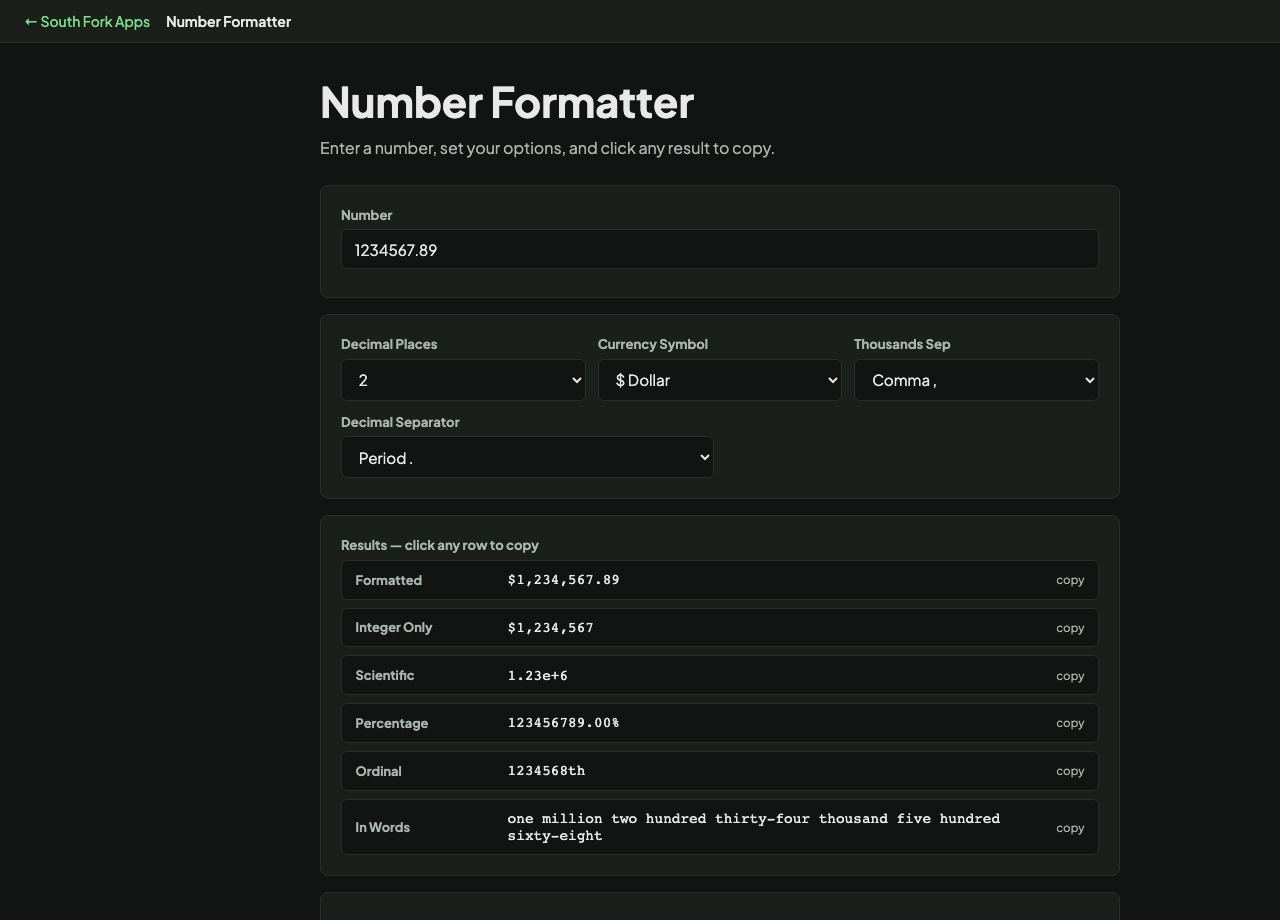
Enter a number, set your options, and click any result to copy.
About this tool
Number Formatter
Number Formatter applies custom decimal places, currency symbols and thousands separators to a number.
How to use it
- Enter your number.
- Set decimal places, currency symbol and separator.
- Copy the formatted result.
Separators are not universal
English-speaking countries use a comma for thousands and a full stop for decimals. Much of Europe reverses both, so 1.234,56 there is 1,234.56 here. France and several others use a space for thousands.
This is why a number copied between locales can be wrong by a factor of a thousand without looking wrong. It is also why data interchange formats like JSON specify a single unambiguous format and leave display formatting to the presentation layer.
When it helps
- Formatting figures consistently for a report or a document.
- Adding a currency symbol and fixed decimals to a price.
- Making large numbers readable with separators.
- Preparing numbers for an audience in a different locale.
Common mistakes
- Storing formatted numbers. Store the raw value and format at display time, or you will have to parse it back out.
- Assuming your separator convention is universal, which corrupts data on import.
- Rounding for display and then calculating from the rounded figure.