Passphrase Generator
Strong passphrases you can actually remember.
About this tool
Passphrase Generator
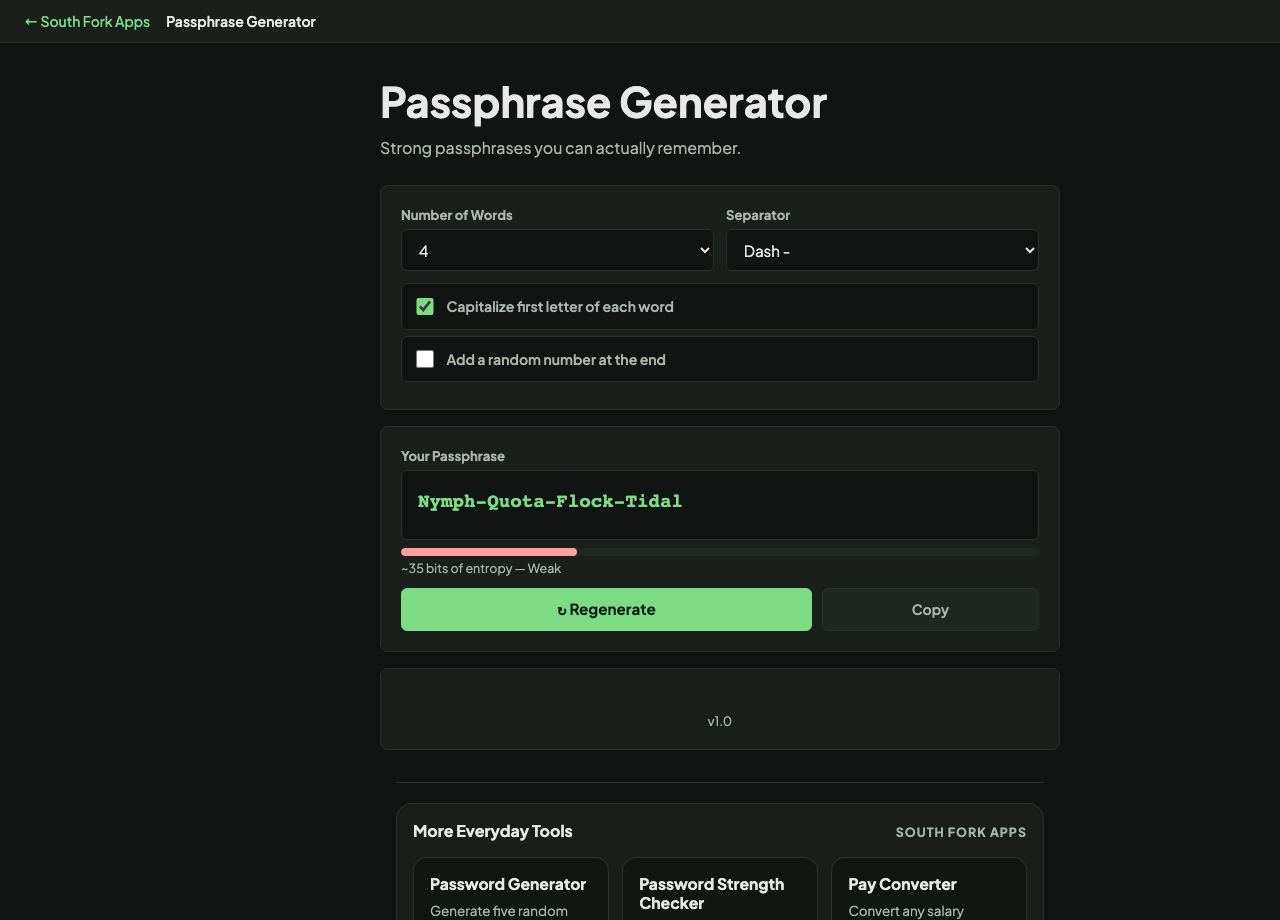
Passphrase Generator builds memorable passphrases from a word list, with configurable word count, separator, capitalisation and an optional trailing number.
How to use it
- Choose how many words you want, from 3 to 8.
- Pick a separator: space, dash, dot or none.
- Optionally capitalise each word or add a random number.
- Regenerate until you get one you can remember, then copy it.
Where passphrase strength comes from
Entropy depends on the size of the word list and the number of words, not on how obscure the words look. Each word contributes log2 of the list size in bits, and the words must be chosen randomly, not by you.
This tool draws from a list of about 200 words, which gives roughly 7.6 bits per word. That is meaningfully less than the classic Diceware list of 7,776 words at 12.9 bits each, so compensate with length: six words here is around 46 bits, and you should treat four words as a minimum rather than a target.
When it helps
- Creating a password you actually have to type from memory, like a device login or a password manager master password.
- Generating a memorable but random wifi passphrase.
- Replacing a weak password with something both stronger and easier to recall.
- Teaching why random words beat a substituted word.
Common mistakes
- Choosing the words yourself instead of accepting random ones. Human choice collapses the entropy almost completely.
- Using three words for anything important. That is not enough with a short word list.
- Assuming word substitution adds strength. Password crackers handle leet substitutions as standard.
What this tool handles
- Generated locally in your browser. For high-value accounts a longer randomly generated password stored in a password manager is stronger than any memorable phrase.