About this tool
Password Strength Checker
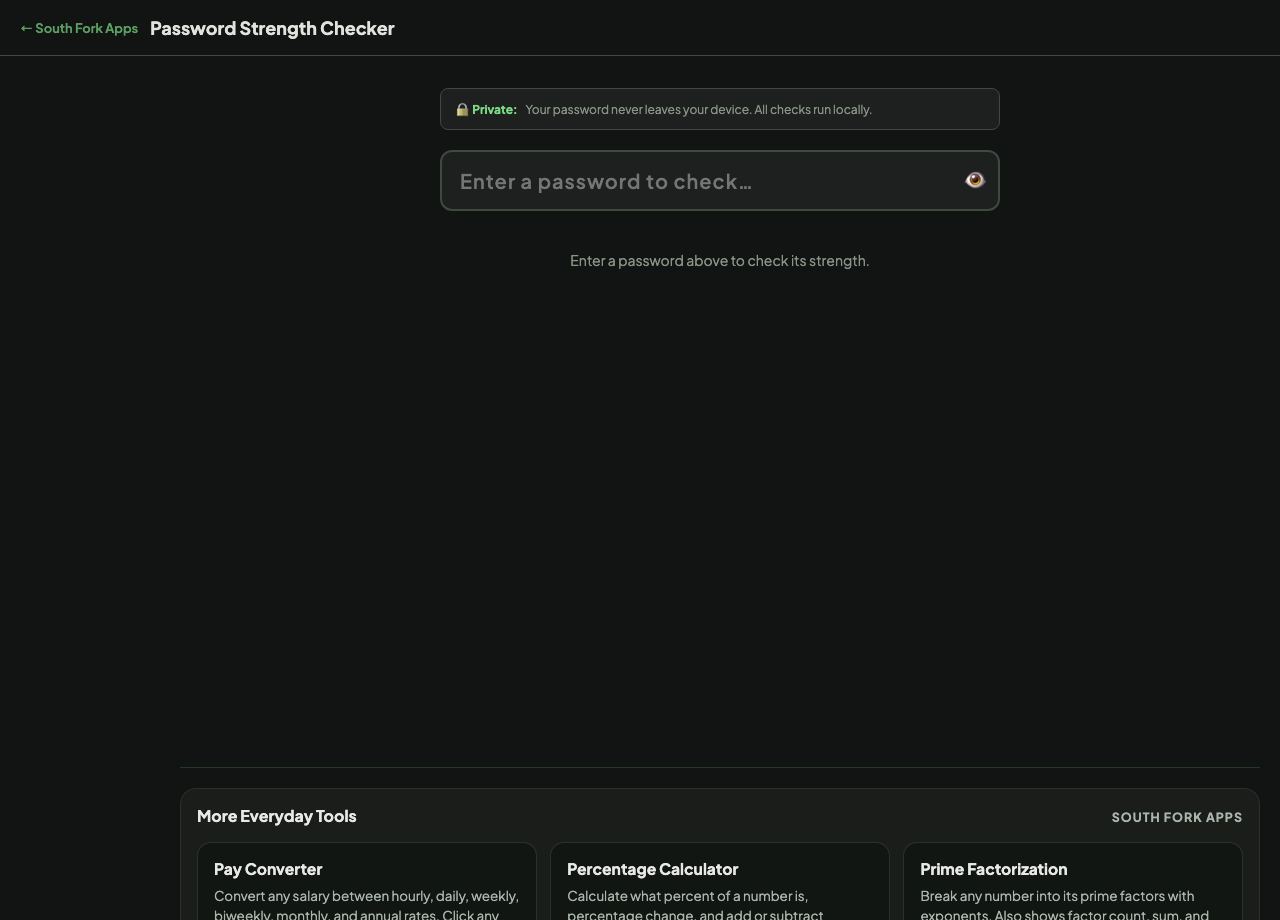
Password Strength Checker estimates entropy and gives a rough time-to-crack figure, entirely in your browser. Nothing you type is sent anywhere.
How to use it
- Type or paste a password.
- Read the entropy estimate and the time-to-crack figure.
- Use the reveal button to check what you actually typed.
What a time-to-crack number really means
Entropy measures how many possibilities an attacker would have to search. Time-to-crack converts that into a duration by assuming a guessing rate, and that assumption is doing all the work. An online login attempt might allow a few guesses per second; an offline attack against a stolen database with modern hardware can run billions.
Treat the figure as a comparison between passwords rather than a prediction. A password showing centuries is meaningfully better than one showing hours, but neither number is a promise.
When it helps
- Comparing two candidate passwords.
- Demonstrating why length matters more than substitutions.
- Checking whether an existing password is worth replacing.
- Teaching password security with immediate feedback.
Common mistakes
- Typing a real password you currently use into any checker, including this one. Use a similar-but-different password to test the pattern.
- Trusting a high score for a password built from a common phrase. Entropy calculations assume randomness, and crackers use dictionaries and known password lists first.
- Believing that meeting a site's complexity rules means a password is strong. Those rules produce predictable patterns.
What this tool handles
- Runs entirely in your browser with no network requests. Even so, the safest habit is never to type a live password into any website.