Piano Chords
Select a root note and chord type to see the voicing on a piano keyboard.
Piano Chords
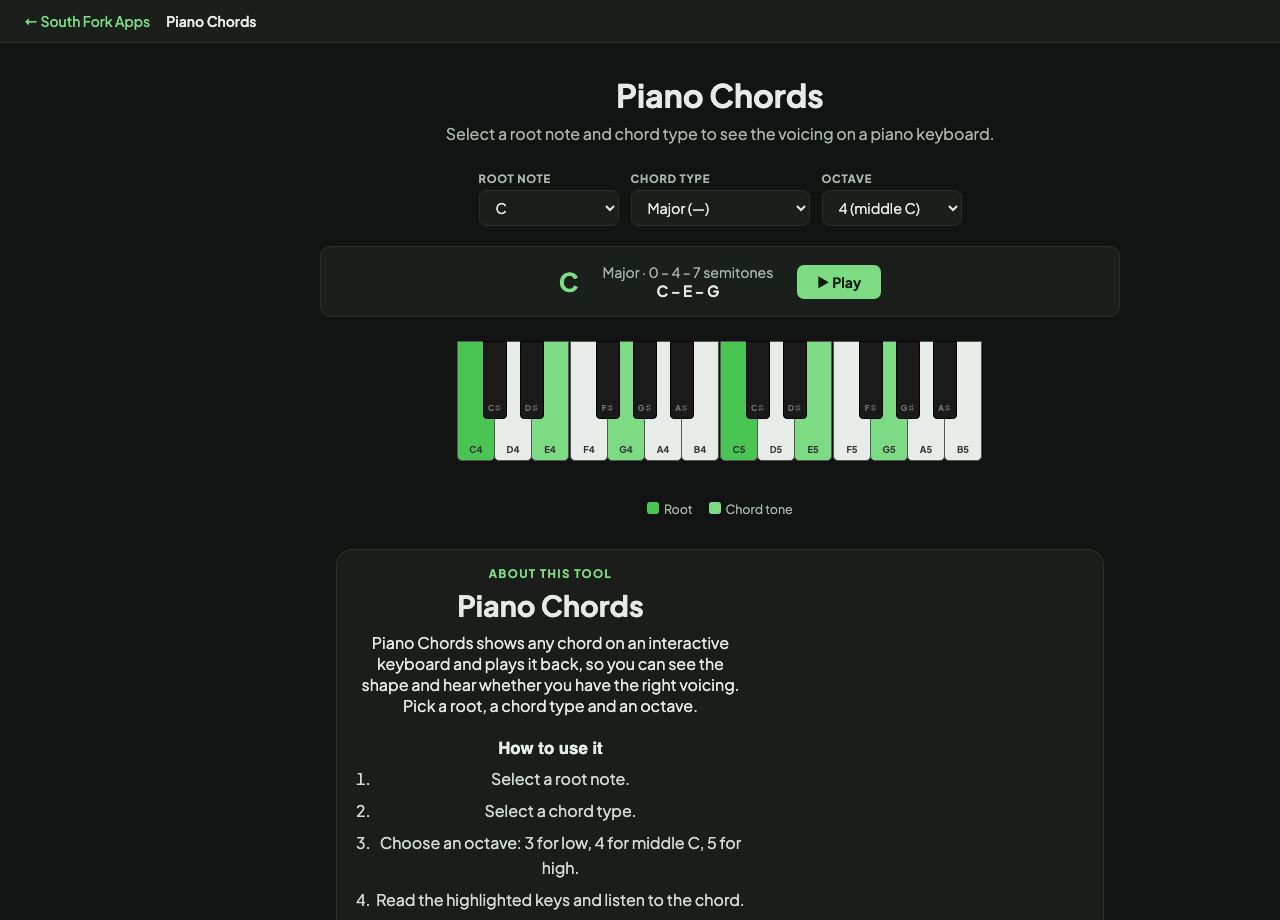
Piano Chords shows any chord on an interactive keyboard and plays it back, so you can see the shape and hear whether you have the right voicing. Pick a root, a chord type and an octave.
How to use it
- Select a root note.
- Select a chord type.
- Choose an octave: 3 for low, 4 for middle C, 5 for high.
- Read the highlighted keys and listen to the chord.
Chords as stacked intervals
Every chord here is built by counting semitones up from the root. A major triad is the root, four semitones, then three more (0, 4, 7). A minor triad flips that to 0, 3, 7. Diminished is 0, 3, 6 and augmented is 0, 4, 8.
Seventh chords add a fourth note. A dominant seventh is 0, 4, 7, 10. A major seventh raises that top note to 11, which is the single semitone that separates a bluesy sound from a dreamy one.
Worked example
Building C major in the middle of the keyboard:
- Root NoteC
- Chord TypeMajor
- Octave4 (middle C)
Result: C, E and G light up. Counting from C: E is four semitones up, G is three above E.
When it helps
- Checking a chord symbol you have never played before.
- Hearing the difference between major seventh and dominant seventh rather than reading about it.
- Teaching chord construction visually.
- Finding a voicing in a comfortable octave for singing.
Common mistakes
- Confusing a major seventh with a dominant seventh. Cmaj7 and C7 differ by one semitone and sound nothing alike.
- Always playing chords in root position. Inversions move more smoothly between chords.