Piano Notes on Staff
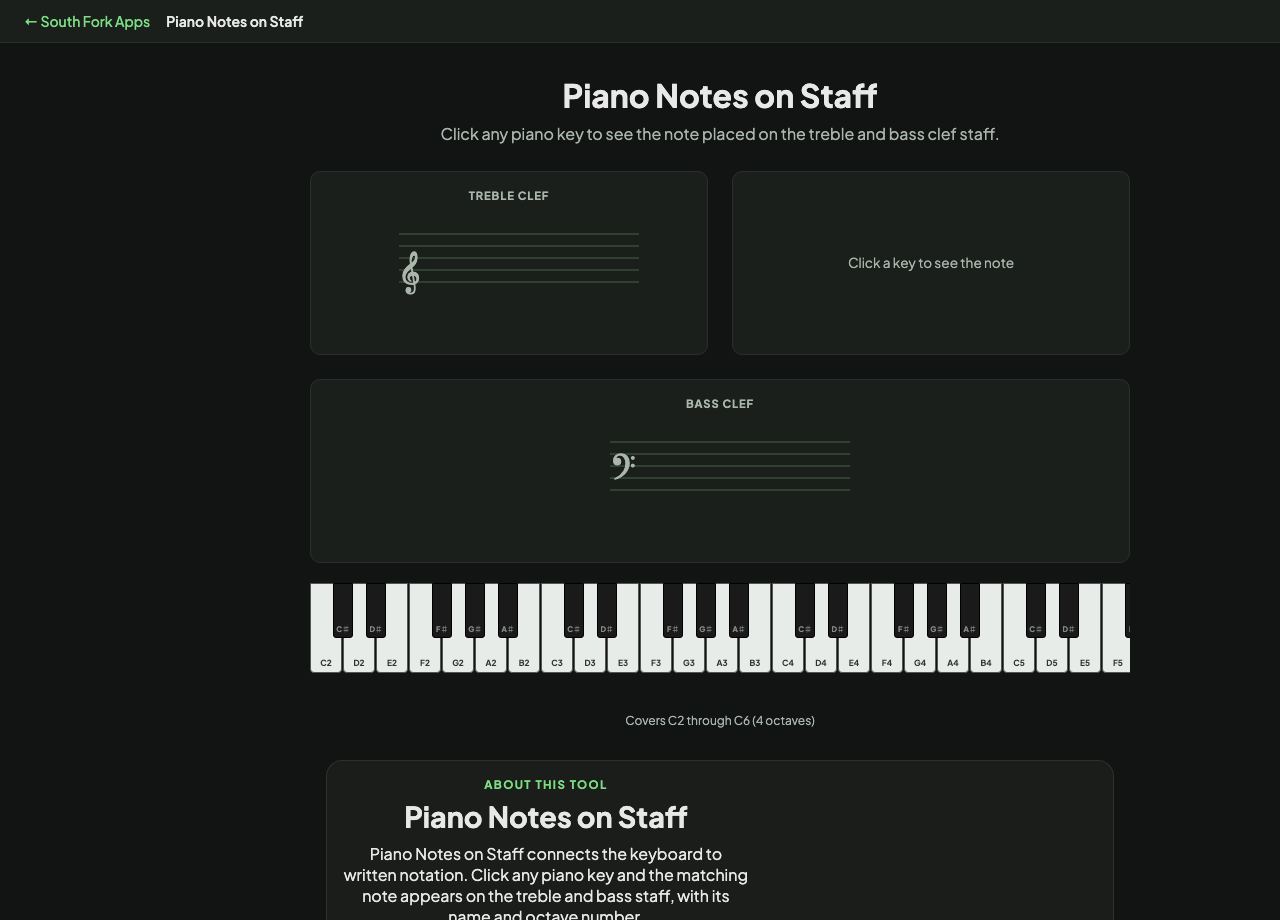
Click any piano key to see the note placed on the treble and bass clef staff.
Click a key to see the note
Covers C2 through C6 (4 octaves)
Piano Notes on Staff
Piano Notes on Staff connects the keyboard to written notation. Click any piano key and the matching note appears on the treble and bass staff, with its name and octave number.
How to use it
- Click any key on the piano.
- Watch where the note lands on the grand staff.
- Read the note name and octave number shown alongside.
How the grand staff maps to the keyboard
Piano music uses two staves at once. The treble staff normally carries the right hand and the bass staff the left, and together they cover the keyboard's range without needing endless ledger lines.
Middle C sits exactly between them, on one ledger line below the treble staff or one ledger line above the bass staff. It is the same key on the piano written two ways, which is the single fact that makes the grand staff click for most beginners.
When it helps
- Learning to read notation by connecting it to a key you can see.
- Working out where a written note actually is on the keyboard.
- Understanding middle C and why it appears on both staves.
- Checking octave numbering, where C4 is middle C.
Common mistakes
- Assuming the treble staff always means the right hand. Music crosses staves freely when the writing calls for it.
- Reading ledger lines by counting from the staff every time instead of learning the common ones by sight.