About this tool
QR Code Generator
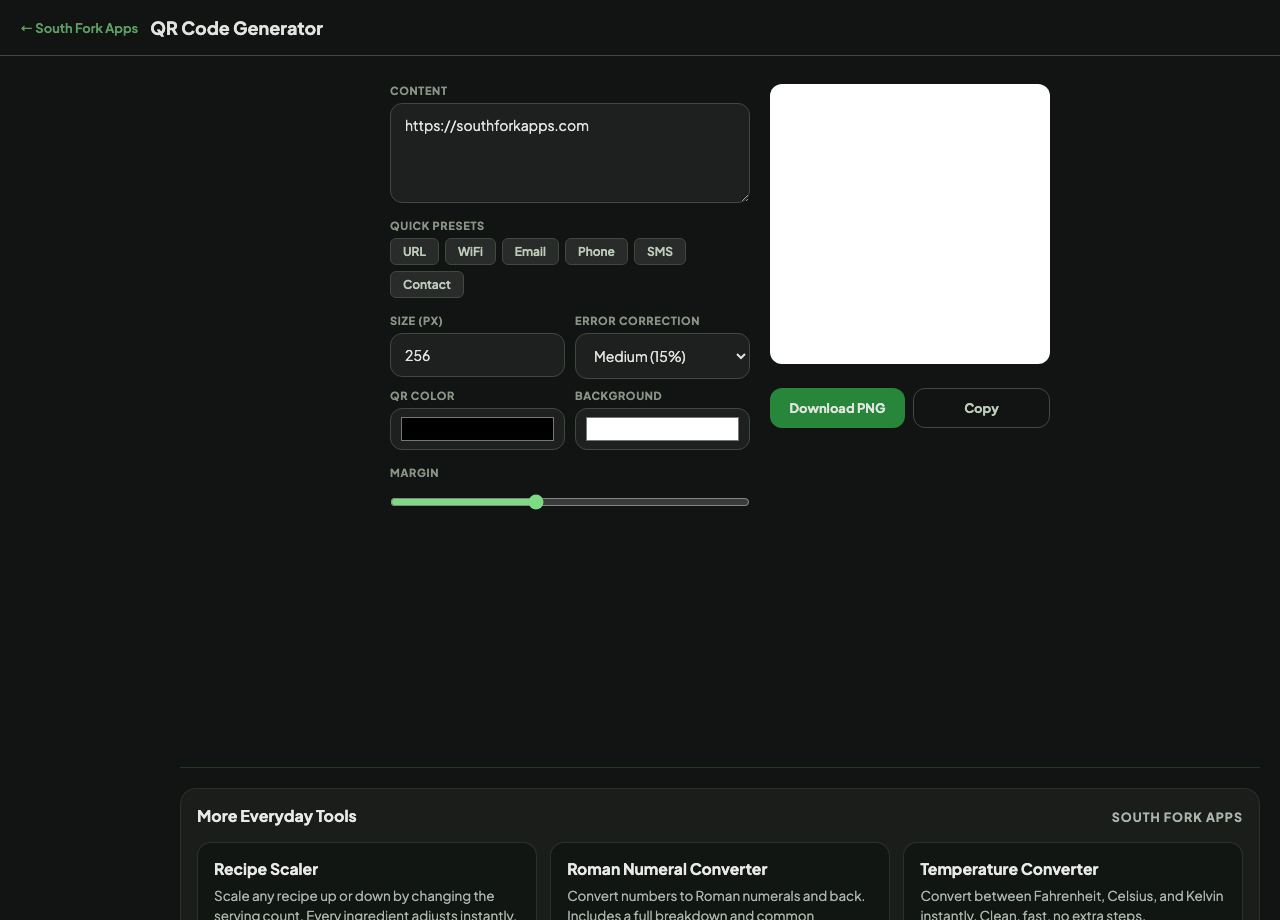
QR Code Generator makes a downloadable QR code from a URL, plain text, WiFi credentials, an email address, a phone number, an SMS or a contact card. Size, colours, margin and error correction are all adjustable, and the result downloads as a PNG.
How to use it
- Pick a preset (URL, WiFi, Email, Phone, SMS, Contact) or type your content directly.
- Set the size between 64 and 1024 pixels.
- Choose an error correction level and adjust the colours and margin.
- Download the PNG.
What error correction actually buys you
QR codes carry redundant data so they still scan when part of the code is damaged, dirty or covered. The four levels recover roughly 7, 15, 25 and 30 percent of the code: Low, Medium, Quartile and High.
Higher correction is not free. The redundancy takes space, so the same content at High produces a denser code than at Low. Use Medium for anything on a screen, and Quartile or High for print, for stickers that will get scuffed, or when you plan to place a logo over the centre.
Worked example
Choosing a level for a printed sign:
- Contenta URL
- Error correctionQuartile (25%)
- Size512 px
Result: A code that still scans with a quarter of it obscured, at the cost of a denser pattern than Low would give.
When it helps
- Putting a link on a printed poster, menu or business card.
- Sharing WiFi credentials with guests without reading out the password.
- Adding a contact card to printed material.
- Linking a physical product to instructions or a registration page.
Common mistakes
- Printing too small. Below about two centimetres most phone cameras struggle, especially with a dense code.
- Removing the quiet zone. The blank margin around a QR code is part of the specification and scanners need it.
- Inverting the colours. Most scanners expect a dark code on a light background, and a light-on-dark code fails on many readers.
- Choosing low contrast. Pale colours look nicer and scan far worse.