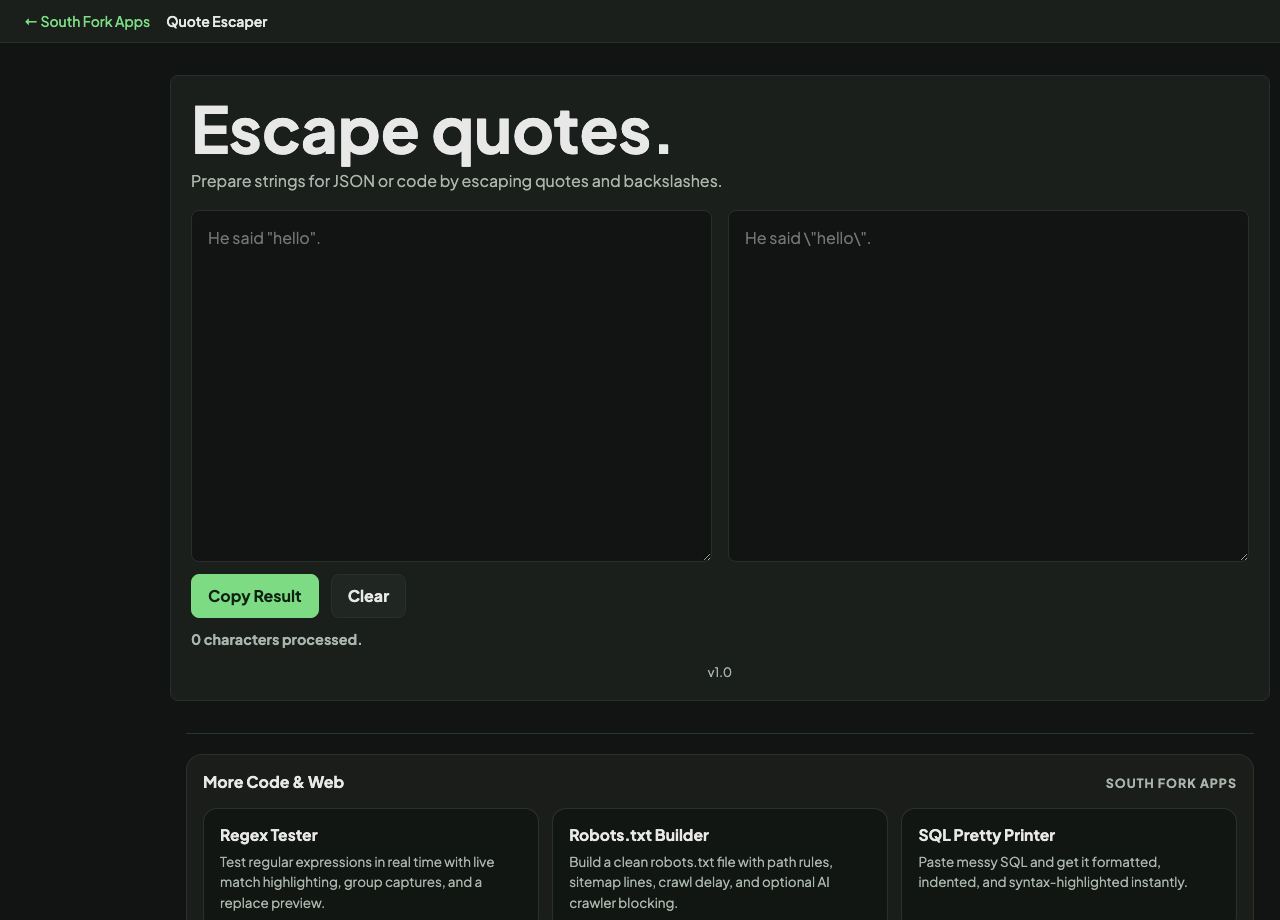
Quote Escaper
Prepare strings for JSON or code by escaping quotes and backslashes.
About this tool
Quote Escaper
Quote Escaper adds or removes backslash escaping on quotes so a string can be pasted safely into code.
How to use it
- Paste your text.
- Copy the escaped or unescaped result.
Why escaping is needed
A string literal is delimited by quote characters, so a quote inside the text ends the string early and everything after it becomes a syntax error. A backslash before the quote tells the parser to treat it as content rather than a delimiter.
The alternative is often better: use a quote character the text does not contain. If your text has double quotes, wrapping it in single quotes needs no escaping at all, and the result is far easier to read.
Worked example
The alternative to escaping:
- Textshe said "hello"
- Escaped in double quotesbackslash before each inner quote
- Wrapped in single quotesno escaping needed at all
Result: Choosing a delimiter the text does not contain is usually cleaner than escaping.
When it helps
- Pasting text containing quotes into a string literal.
- Preparing a JSON string value by hand.
- Escaping a value for a shell command.
- Unescaping a string copied out of source code to read it plainly.
Common mistakes
- Escaping a string that is already escaped, which produces literal backslashes in the output.
- Forgetting the backslash itself needs escaping. A single backslash in a string literal must be doubled.
- Escaping for the wrong context. Shell, JSON and SQL escaping rules differ, and using one for another is a classic injection vector.