Recipe Scaler
Paste your recipe, set the original and target servings, and every ingredient adjusts instantly.
Recipe Scaler
Recipe Scaler adjusts every ingredient quantity in a recipe for a different number of servings.
How to use it
- Enter the original number of servings.
- Enter how many servings you want.
- Read the scaled ingredient quantities.
What scales linearly and what does not
Ingredient quantities scale directly with servings, which is the easy part. Almost nothing else does.
Cooking time barely changes for a doubled batch in a wider pan, but changes substantially for a deeper one, because heat has further to travel. Pan size matters more than time: doubling a cake batter into the same tin gives a raw middle and a burnt edge. Salt and strong spices are usually best scaled slightly under, then adjusted by taste at the end.
Worked example
The default doubling:
- Original servings4
- New servings8
- Multiplier2x
Result: Every ingredient doubles. Pan area should roughly double too, and the cooking time will need checking rather than doubling.
When it helps
- Cooking for a different number of people than the recipe assumes.
- Halving a recipe that makes too much.
- Scaling a batch up for a gathering.
- Converting a recipe to fit the tin you actually own.
Common mistakes
- Scaling the cooking time by the same factor. It does not work that way and is the most common scaling failure.
- Keeping the same pan. Depth changes how the food cooks more than quantity does.
- Scaling salt, chilli and yeast linearly. These are usually better scaled conservatively and adjusted.
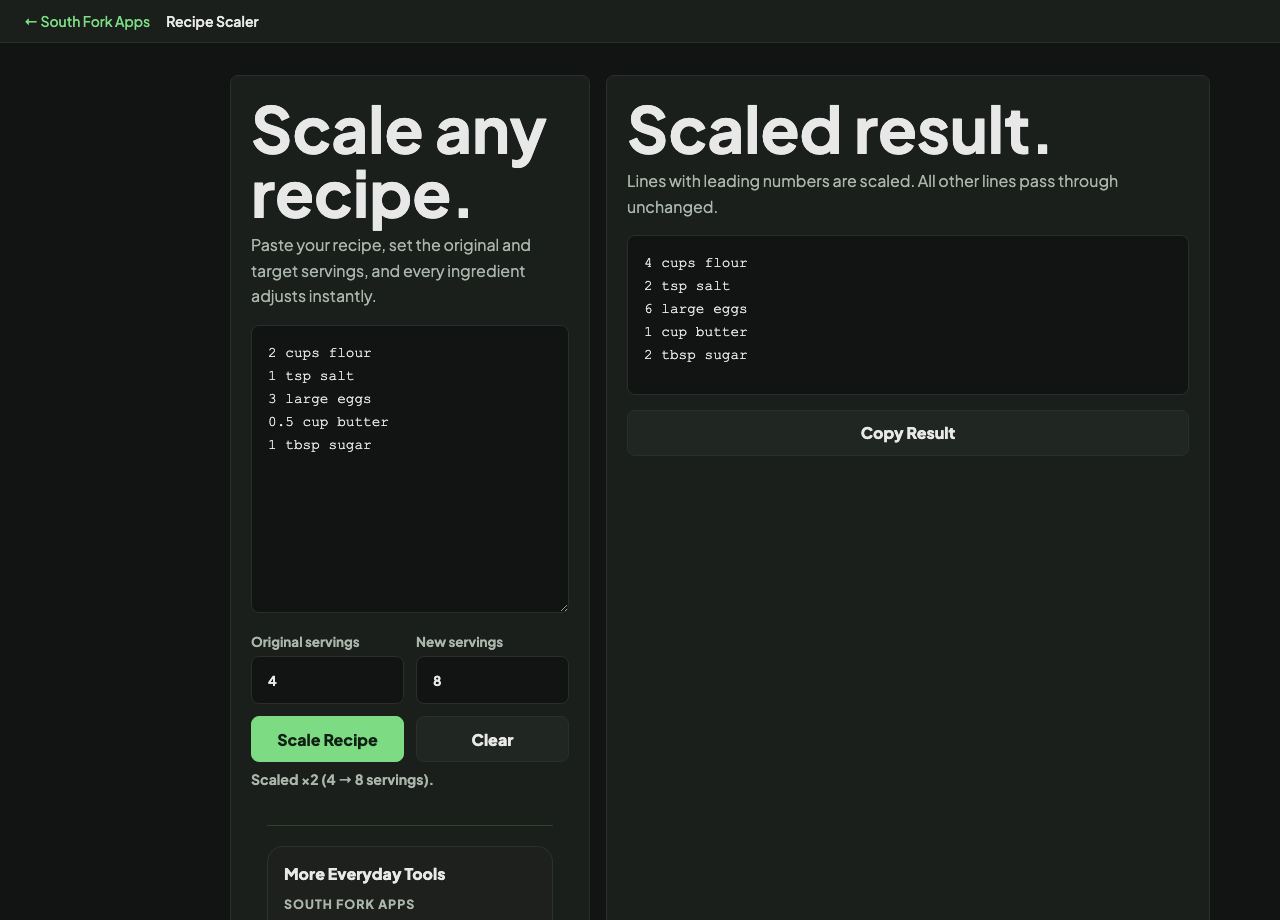
Scaled result.
Lines with leading numbers are scaled. All other lines pass through unchanged.
Scaled recipe will appear here.