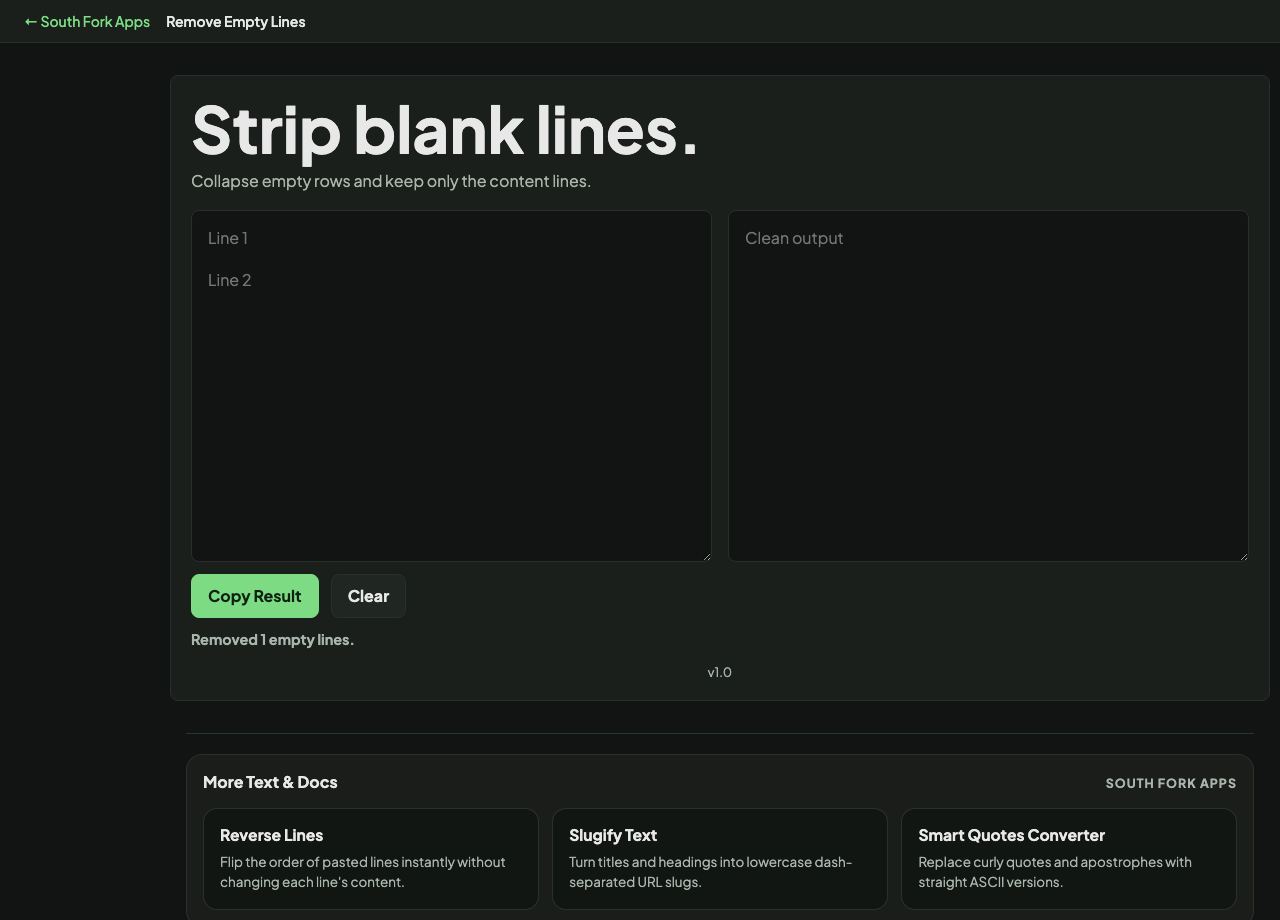
Empty Line Remover
Collapse empty rows and keep only the content lines.
About this tool
Empty Line Remover
Empty Line Remover deletes blank lines from a block of text, closing up the gaps and leaving the content lines in order.
How to use it
- Paste your text.
- Blank lines are removed immediately.
- Copy the compacted result.
Blank is not always empty
A truly empty line contains nothing. A line containing only spaces or a tab looks identical on screen but is not empty, and a naive removal leaves it behind.
That is the usual explanation when gaps survive the process. Trimming the text first turns whitespace-only lines into genuinely empty ones, after which they are removed cleanly.
Worked example
Why some gaps survive removal:
- Truly empty lineremoved
- Line with one spacenot empty, kept
- Line with a tabnot empty, kept
Result: Trim the text first to turn whitespace-only lines into genuinely empty ones, then remove.
When it helps
- Compacting a list that picked up gaps when it was copied.
- Cleaning text pasted out of a PDF, where double spacing is common.
- Preparing a list where each line must be a real record.
- Tightening output before pasting it somewhere space-constrained.
Common mistakes
- Removing blank lines from Markdown, where a blank line is what separates paragraphs. Strip them and the whole document becomes one block.
- Doing this to poetry or formatted text where the spacing is deliberate.