About this tool
Robots.txt Builder
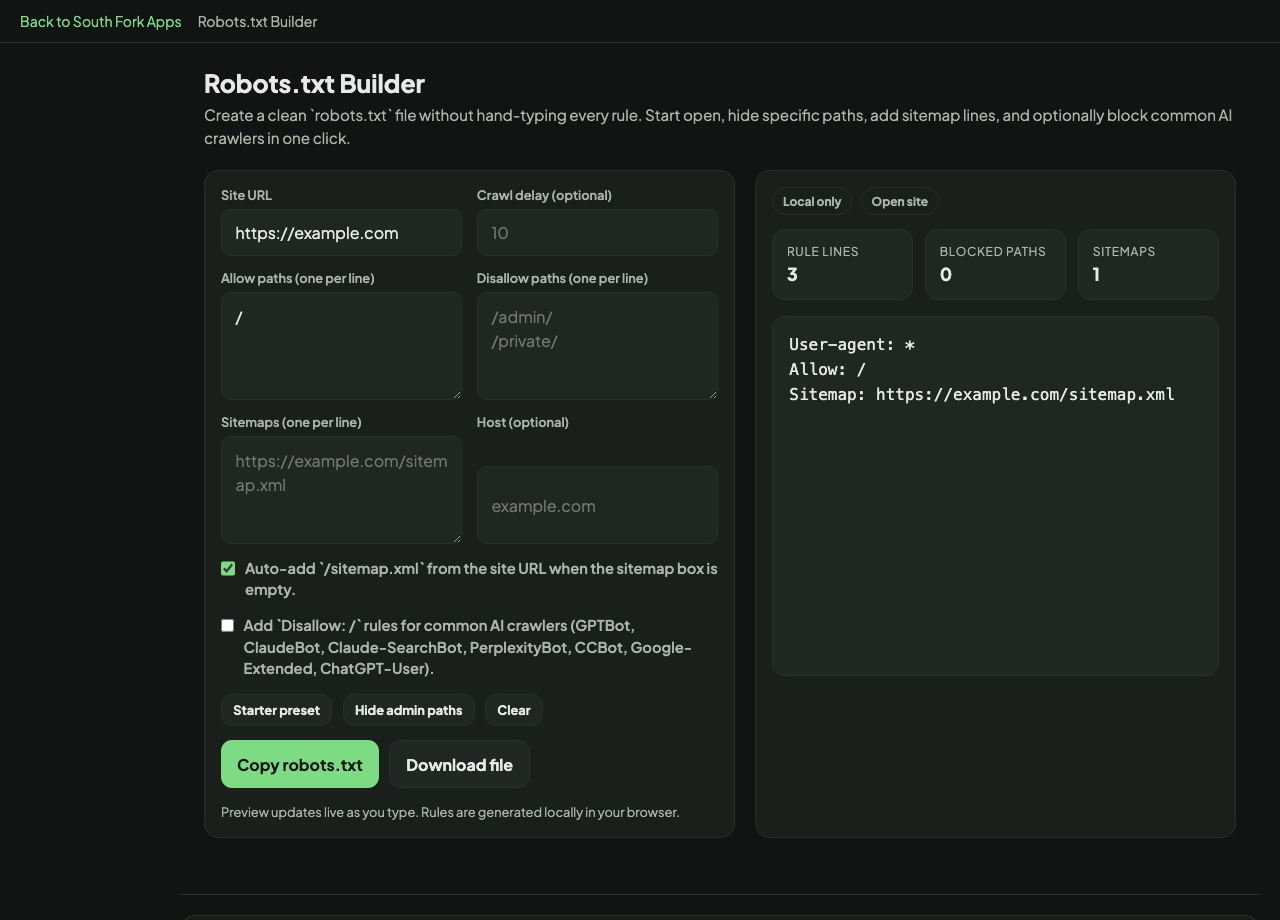
Robots.txt Builder assembles a valid robots.txt from allow and disallow paths, sitemap lines, an optional crawl delay and host directive, with presets for a starter file and for hiding admin paths.
How to use it
- Enter your site URL.
- Add disallow paths, one per line, and any allow exceptions.
- Add your sitemap URLs.
- Copy the file or download it, then place it at the root of your domain.
What robots.txt does not do
Robots.txt controls crawling, not indexing, and the difference matters enormously. Disallowing a path tells well-behaved crawlers not to fetch it. It does not remove the URL from search results, and a disallowed page that other sites link to can still be indexed, listed with no description because the crawler was never allowed to read it.
To keep a page out of the index you need a noindex meta tag or header, and the crawler has to be allowed to fetch the page to see it. Disallowing a page you have also marked noindex is self-defeating, because the crawler never reads the noindex.
When it helps
- Blocking crawlers from admin, search result and duplicate paths.
- Pointing search engines at your sitemap.
- Reducing crawl load on a large or slow site.
- Blocking specific bots while allowing others.
Common mistakes
- Using robots.txt to hide sensitive content. The file is public, readable by anyone, and effectively advertises the paths you did not want found.
- Disallowing a page you want deindexed, which prevents the crawler from seeing the noindex tag.
- Setting a crawl delay and expecting Google to honour it. Google ignores the directive; crawl rate is set in Search Console.
- Disallowing CSS or JavaScript, which stops Google rendering the page as users see it.