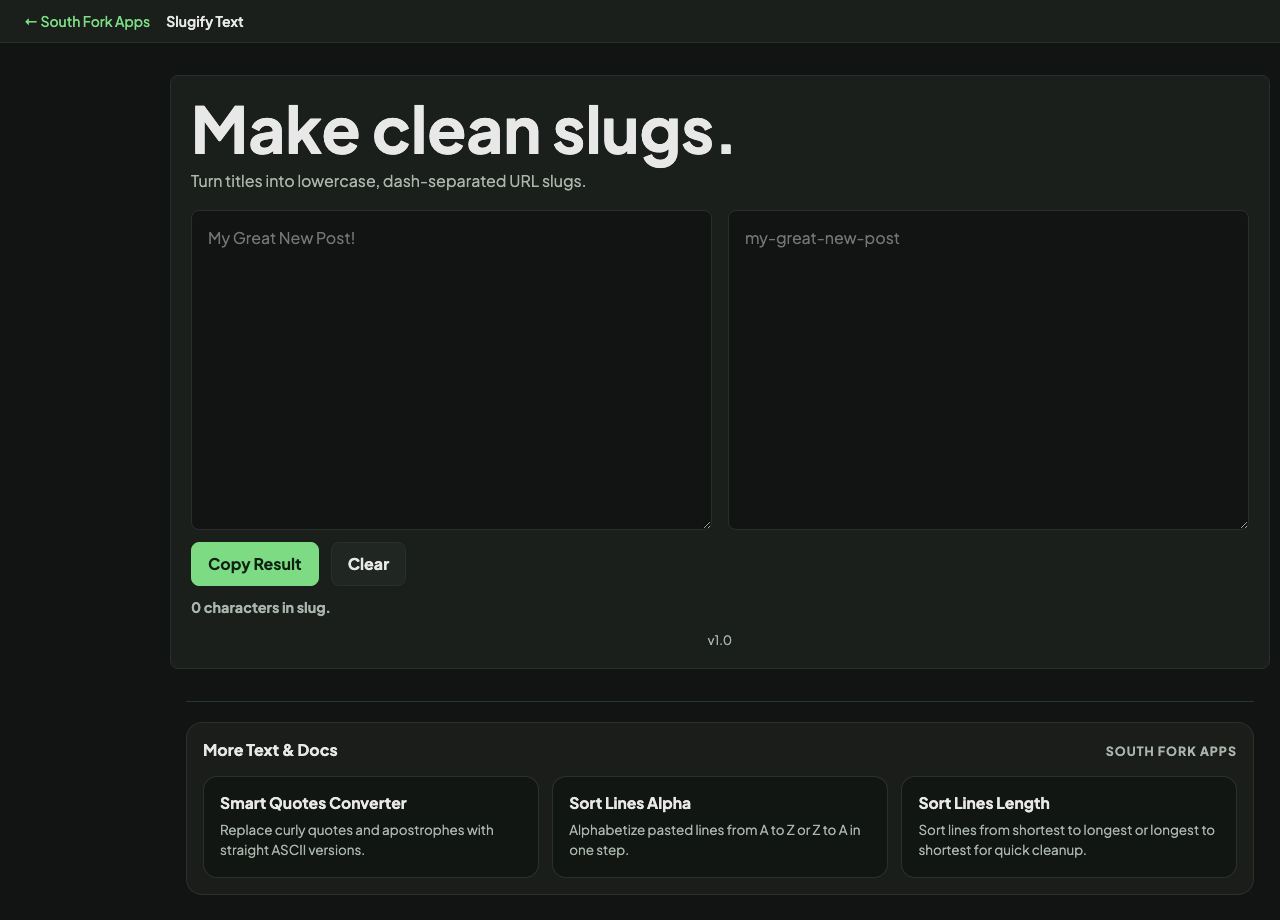
Slugify Text
Turn titles into lowercase, dash-separated URL slugs.
About this tool
Slugify Text
Slugify Text converts any string into a clean, URL-safe slug: lowercase, hyphen-separated, with punctuation and accents removed.
How to use it
- Paste your title or phrase.
- The slug appears immediately.
- Copy it into your URL, filename or ID.
What slugifying does, step by step
The text is lowercased, accented characters are folded to their plain equivalents, punctuation is stripped, and runs of whitespace become single hyphens. Leading and trailing hyphens are removed.
Lowercase matters more than people expect. URL paths are case-sensitive on most servers, so Page and page are different addresses. Forcing lowercase removes an entire class of broken link.
Worked example
A messy title becoming a slug:
- InputCafé Reviews: The 10 Best!
- Accents foldedCafe
- Punctuation stripped, spaces hyphenated
Result: cafe-reviews-the-10-best
When it helps
- Generating a URL path from an article title.
- Creating safe filenames from user-supplied names.
- Making stable IDs for anchors and fragments.
- Normalising a title into a database key.
Common mistakes
- Changing a slug after publishing. The old URL breaks unless you add a redirect, and any accumulated links point at nothing.
- Letting slugs get long. Search results truncate them and they become unreadable.
- Assuming accent folding suits every language. Some scripts have no sensible ASCII equivalent and need transliteration rules of their own.
What this tool handles
- Slugs should be treated as permanent once published. Changing one breaks every existing link to that page unless you add a redirect.