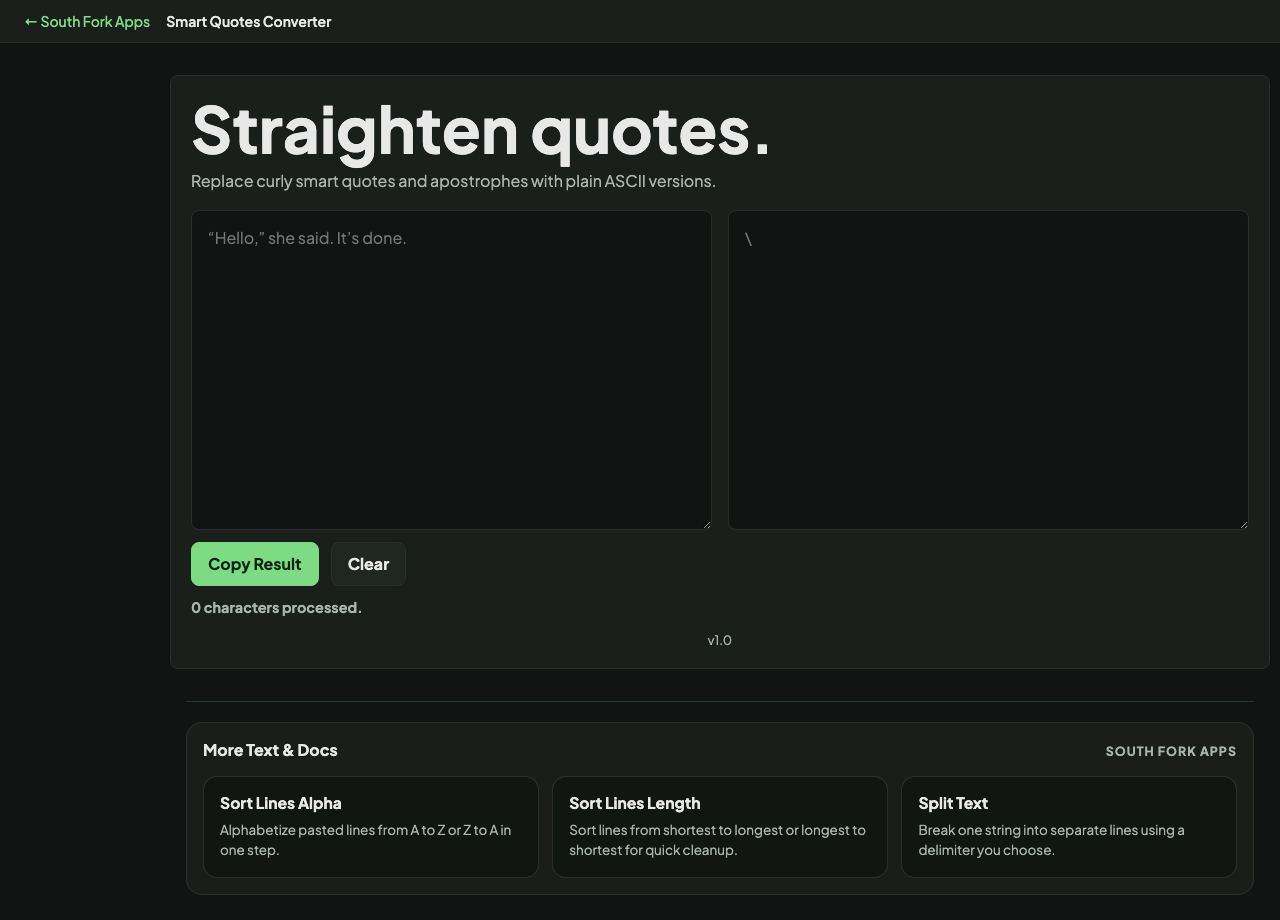
Smart Quotes Converter
Replace curly smart quotes and apostrophes with plain ASCII versions.
Smart Quotes Converter
Smart Quotes Converter switches between curly typographic quotes and straight ASCII quotes, in either direction. It is the fix for text that has been through a word processor and is now breaking something.
How to use it
- Paste your text.
- Convert curly quotes to straight, or straight to curly.
- Copy the result.
Why curly quotes break things
Straight quotes are the ASCII characters at code points 34 and 39. Curly quotes are separate Unicode characters: the left and right single marks and the left and right double marks. They look better in prose and are what typesetting has always used.
The trouble starts when text is pasted into something that expects ASCII. Code will not compile, because a curly quote is not a string delimiter. CSV files break. Search fails, because a search for don't will not match don with a curly apostrophe. Word processors substitute curly quotes automatically, which is why this problem usually arrives without anyone choosing it.
When it helps
- Fixing code that was pasted through a word processor or a chat client.
- Cleaning text before importing it as CSV or JSON.
- Converting straight quotes to curly for print or a designed layout.
- Making search and comparison work on text with mixed quote styles.
Common mistakes
- Converting code comments and strings indiscriminately. Straight to curly will break code that currently works.
- Forgetting apostrophes. The curly right single quote is the same character used for apostrophes, so it appears far more often than quotation marks do.
- Assuming a find and replace handles it. There are four curly characters, not one.