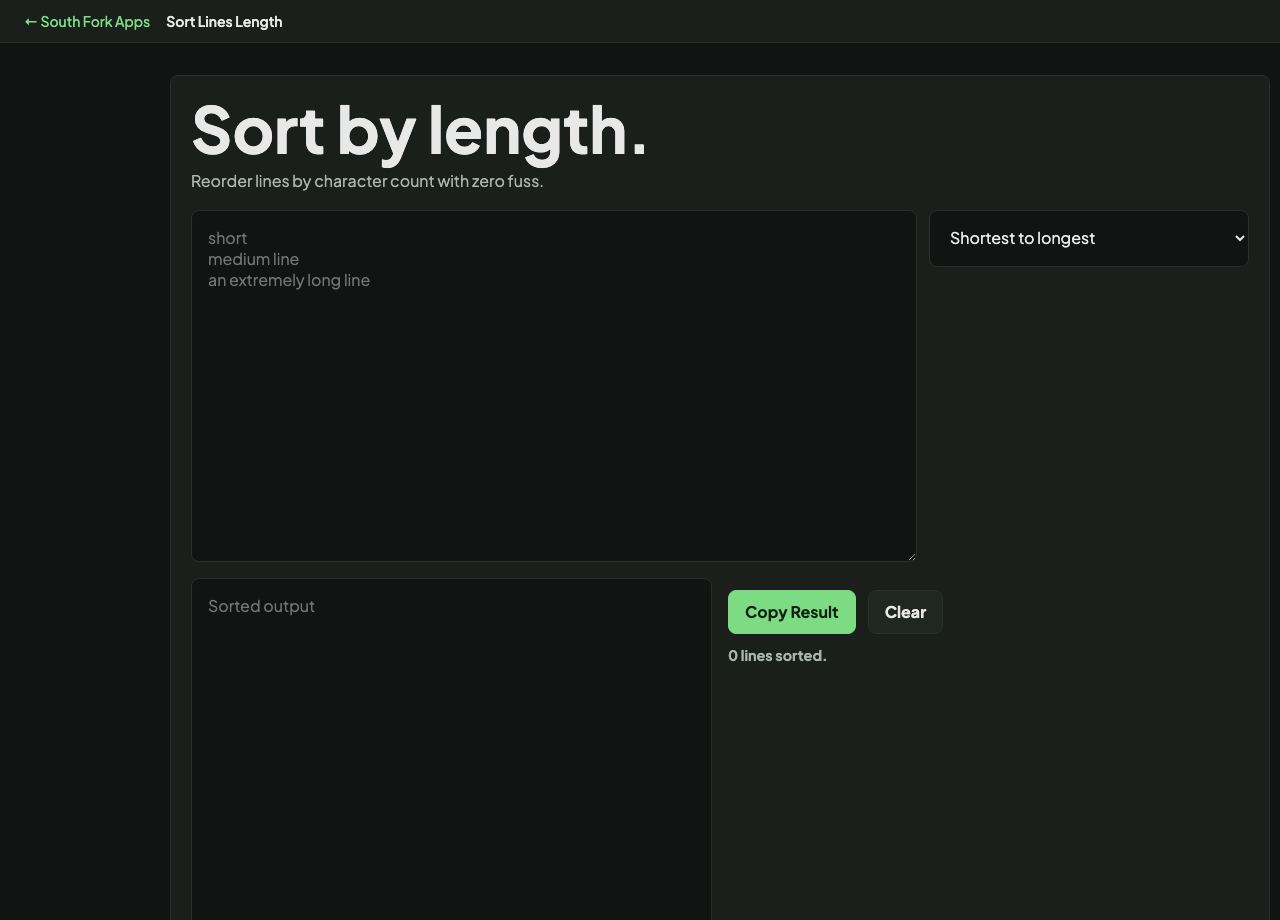
Sort Lines by Length
Reorder lines by character count with zero fuss.
About this tool
Sort Lines by Length
Sort Lines by Length orders a list by how many characters each line has, shortest first or longest first.
How to use it
- Paste your list, one item per line.
- Choose shortest to longest or longest to shortest.
- Copy the result.
What length sorting is good for
Length is a proxy for several things that are otherwise hard to spot. In a list of records, unusually short lines are often truncated or empty, and unusually long ones often contain a delimiter that failed to split.
Lines of equal length keep their original relative order, so the sort is stable. That means you can sort by length and still see the input sequence within each length group.
Worked example
Finding malformed rows in an export:
- Typical rowabout 60 characters
- Shortest rows8 characters, truncated
- Longest row240 characters, a failed split
Result: Sorting by length puts both kinds of broken row at the ends where you can see them.
When it helps
- Finding malformed rows in exported data by spotting outliers at both ends.
- Ordering a list for visual layout, where a length ramp reads better.
- Finding the longest entry to size a column or a field.
- Spotting truncated values in a dump.
Common mistakes
- Assuming character length equals visual width. In a proportional font an i and a w are very different widths.
- Counting trailing whitespace as content. Trim first if the trailing spaces are not meaningful.