Text Splitter
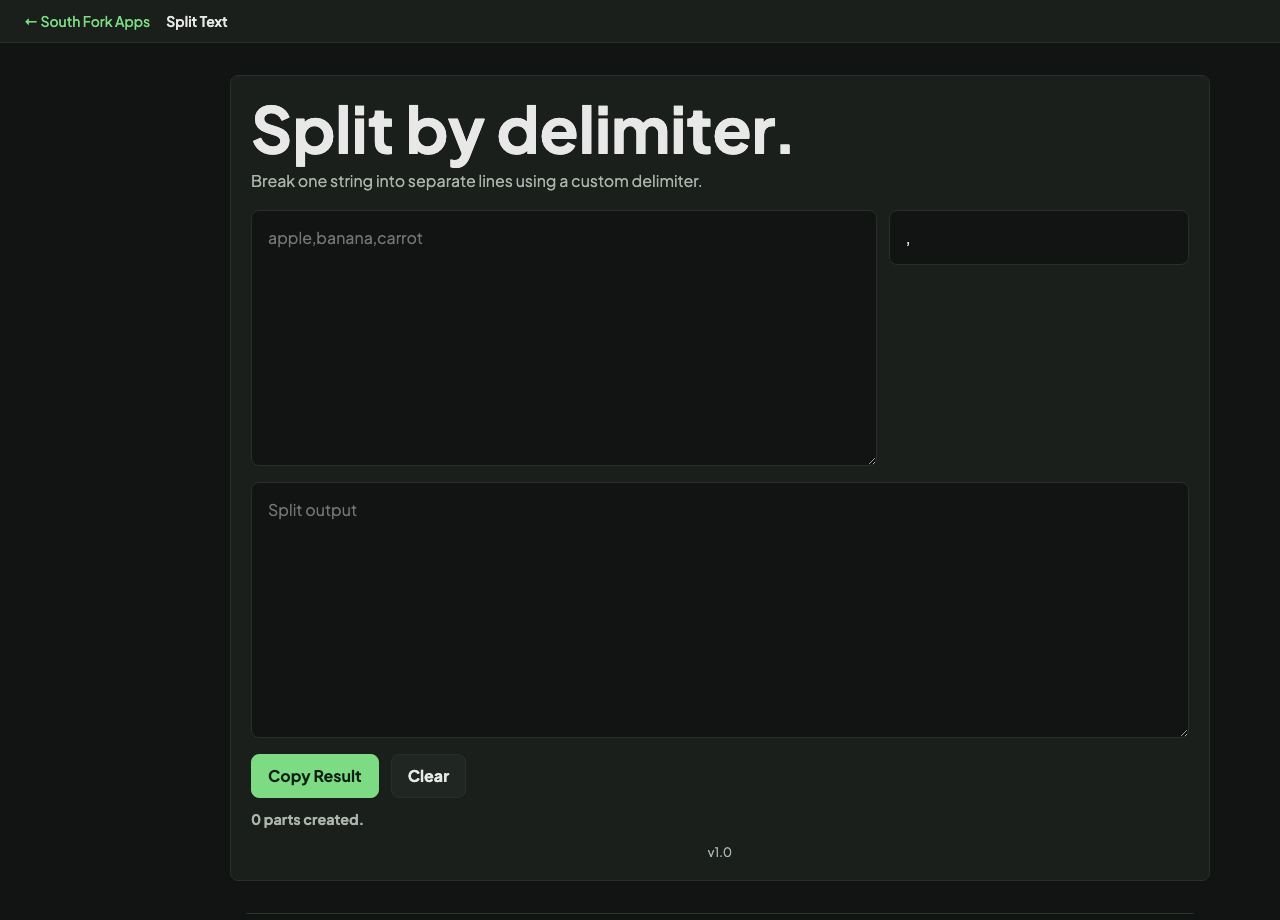
Break one string into separate lines using a custom delimiter.
Text Splitter
Split Text breaks a block of text into chunks by character count, word count, or a delimiter you specify.
How to use it
- Paste your text.
- Choose how to split: by characters, by words, or on a delimiter.
- Set the size or the delimiter and copy the chunks.
Which split mode to use
Splitting by delimiter is the right choice when the text has real structure, such as comma-separated values or paragraphs separated by blank lines. The boundaries already exist and you are just honouring them.
Splitting by character or word count is for when you need to fit a limit, such as breaking a long message into posts. Character splitting can cut a word in half, so word splitting is usually kinder to the reader even though the chunks come out slightly uneven.
Worked example
Choosing the split mode:
- Text has real structuresplit on the delimiter
- Fitting a character limitsplit by words, not characters
- Splitting by characterscan cut a word in half
Result: Word splitting gives slightly uneven chunks and never breaks a word, which readers prefer.
When it helps
- Breaking a long message into pieces that fit a character limit.
- Splitting a delimited string back into records.
- Chunking text for processing in fixed batches.
- Dividing a long document into sections of even length.
Common mistakes
- Splitting on a comma when the data contains quoted commas. That needs a real CSV parser, not a plain split.
- Splitting by character count for anything a human will read, which chops words mid-syllable.