โ† South Fork Apps

SQL Pretty Printer

Input SQL
Formatted Output
Formatted SQL will appear here.
About this tool

SQL Pretty Printer

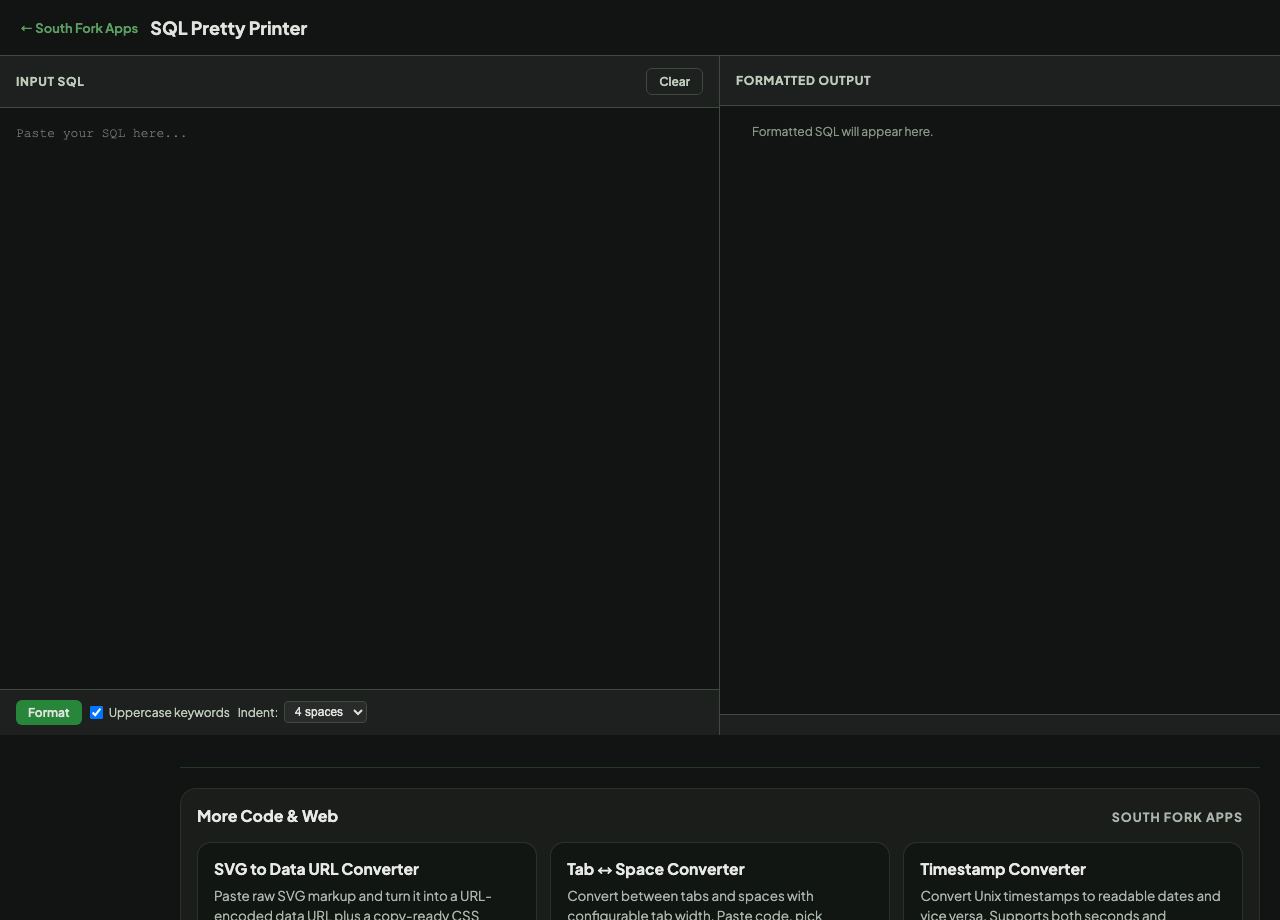
SQL Pretty Printer reformats messy SQL into indented, readable form, with optional keyword uppercasing and a choice of 2 or 4 space indentation.

How to use it

  1. Paste your SQL query.
  2. Choose the indent width and whether to uppercase keywords.
  3. Press Format and copy the result.

Why formatting matters more in SQL than most languages

SQL queries arrive as a single line far more often than other code, because they are generated by ORMs, copied out of logs, or pasted from application source. A three-hundred-character line with four nested joins is effectively unreadable.

The conventional layout puts each major clause on its own line and indents the joins and conditions beneath it. Uppercasing keywords is a long-standing convention that separates the language from your table and column names at a glance, which is the fastest way to find where a clause begins.
When it helps

  • Making a query from an application log readable before debugging it.
  • Tidying generated SQL to understand what an ORM produced.
  • Formatting a query before committing it to source control.
  • Reviewing someone else's query without reformatting it by hand.

Common mistakes

  • Reformatting a query with string literals containing SQL keywords, which a naive formatter may uppercase inside the string.
  • Assuming formatting changes performance. It does not, and a badly performing query formats just as prettily.
  • Reformatting a stored query in place without testing, since some dialects are sensitive to how comments and line breaks fall.
SQL Pretty Printer interface preview
Screenshot of the live SQL Pretty Printer interface.

v1.0