About this tool
Stopwatch with Laps
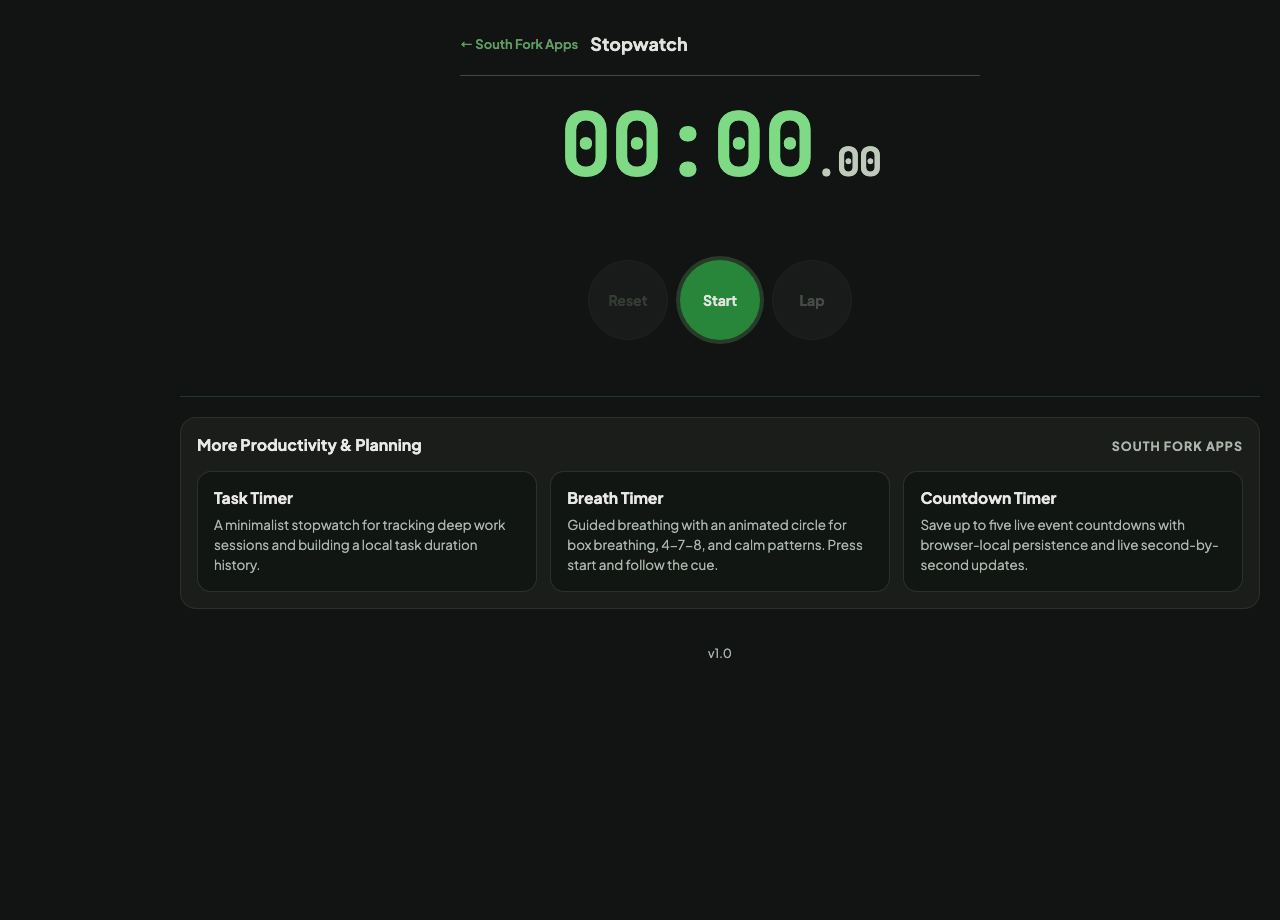
Stopwatch times with lap tracking, highlighting the fastest and slowest laps.
How to use it
- Start the stopwatch.
- Record a lap at each interval.
- Read the lap times with fastest and slowest marked.
Why lap highlighting is the useful part
A total time tells you the outcome. Lap times tell you the shape of it, and the fastest and slowest markers surface that immediately without you having to scan a column of numbers.
The spread between fastest and slowest is usually more informative than the average. Consistent laps suggest a sustainable pace; a wide spread suggests you started too fast, faded, or hit something unexpected.
Worked example
Reading the spread rather than the total:
- Laps42s, 44s, 43s, 58s
- Fastest42s
- Slowest58s
Result: A 16 second spread on a 40 second lap says the pace was not sustainable, which the total time alone would hide.
When it helps
- Timing intervals in training and comparing them.
- Measuring how long a repeated task takes across attempts.
- Timing a presentation section by section.
- Any measurement where the pattern matters more than the total.
Common mistakes
- Timing in a background tab, where throttling can affect accuracy.
- Comparing laps recorded under different conditions as though they were equivalent.
- Reading a single fast lap as your capability. The sustainable pace is the one you can repeat.