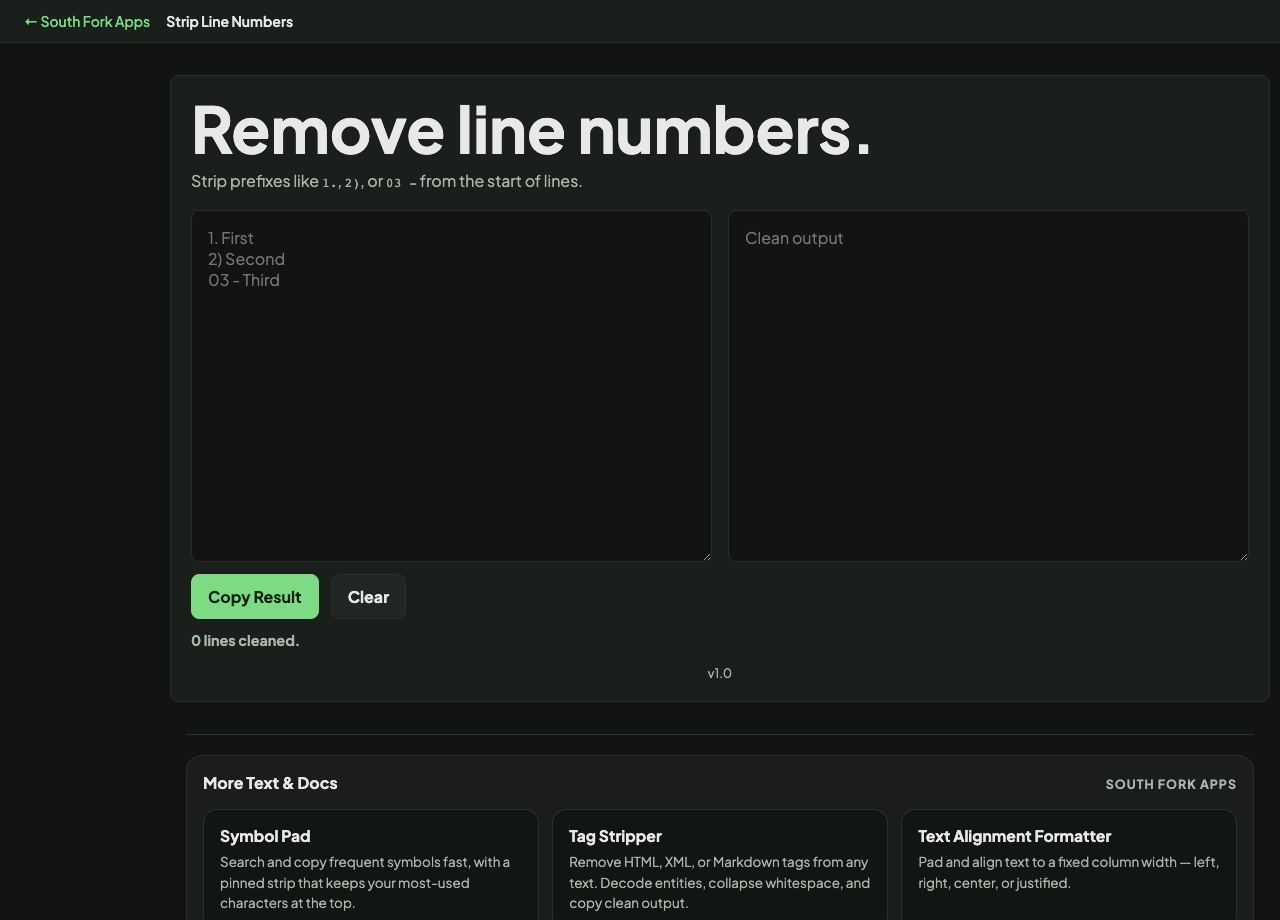
Strip Line Numbers
Strip prefixes like 1., 2), or 03 - from the start of lines.
About this tool
Strip Line Numbers
Strip Line Numbers removes leading line numbers from text, which is what you need after copying a code sample out of a documentation page or a terminal that numbers its output.
How to use it
- Paste the numbered text.
- The numbers are removed and the content is left intact.
- Copy the clean result.
The formats it has to handle
Numbering appears in several conventions: a bare number and a space, a number and a colon, a number and a pipe, or a right-aligned number padded with spaces. All of them have to go while leaving the code's own indentation untouched.
That last part is the difficult bit. Stripping too aggressively takes the leading whitespace with the number, and for Python or YAML that destroys the meaning of the file.
Worked example
What has to survive the strip:
- Input 12 | if x:
- Removethe number and its separator
- Keepthe code's own leading indentation
Result: Stripping the indentation along with the number breaks Python and YAML.
When it helps
- Cleaning a code sample copied from documentation or a blog post.
- Removing numbering from terminal output before reusing it.
- Recovering usable code from a screenshot transcription.
- Undoing numbering you added earlier.
Common mistakes
- Stripping numbers from content where the leading numbers are the data, such as a numbered list or a CSV whose first column is an ID.
- Losing indentation along with the numbers, which breaks indentation-sensitive languages.