About this tool
SVG to Data URL Converter
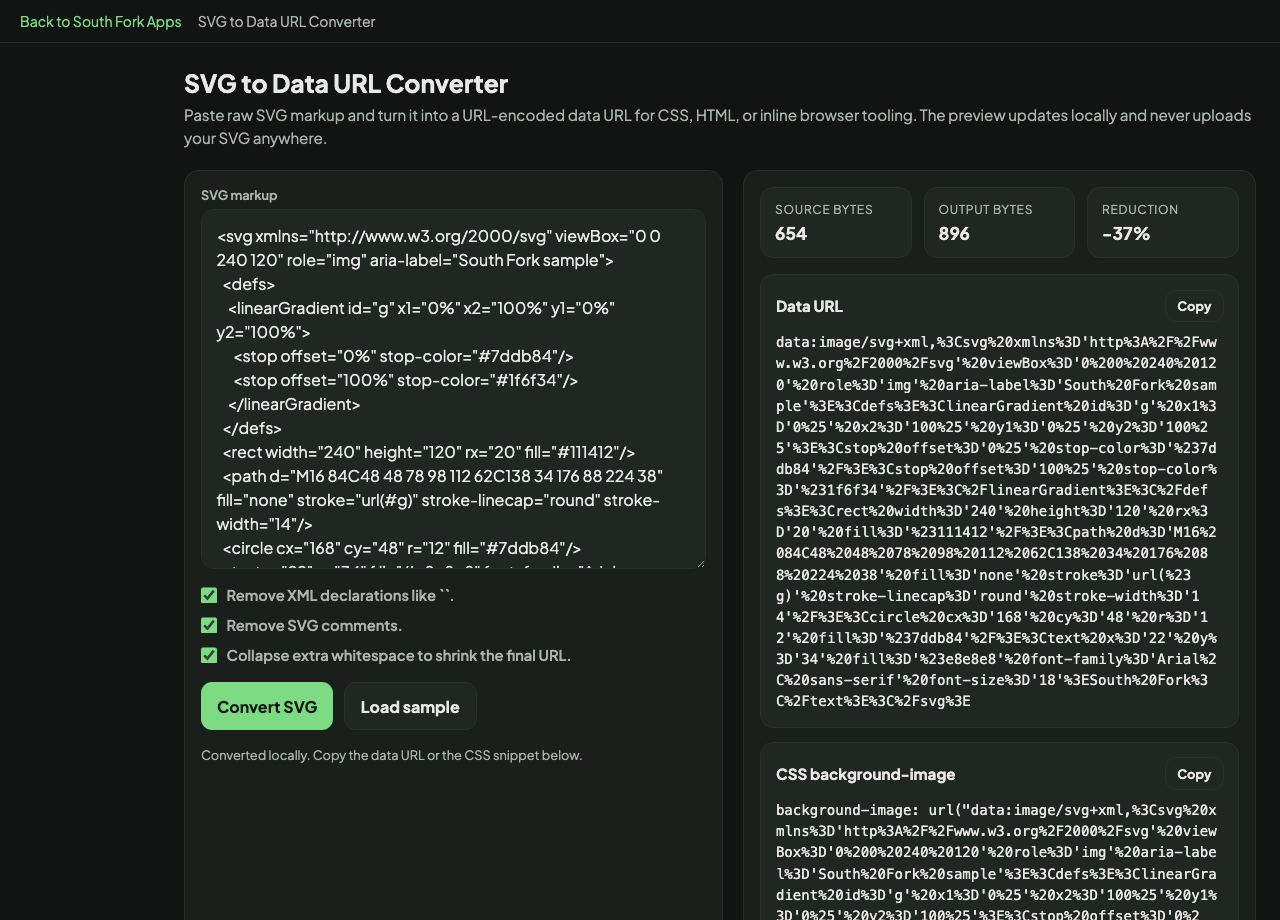
SVG to Data URL converts raw SVG markup into a URL-encoded data URL plus a ready-to-paste CSS background-image rule, with options to strip XML declarations and comments and collapse whitespace.
How to use it
- Paste your SVG markup, or load the sample.
- Turn on the cleanup options to shrink the output.
- Press Convert and copy the data URL or the CSS rule.
Why SVG should be URL-encoded rather than Base64
SVG is text, not binary, so Base64 encoding it is wasteful: it adds a third to the size for no benefit. URL encoding only escapes the handful of characters that would break the CSS, leaving the rest readable.
A URL-encoded SVG data URL is typically smaller than the Base64 equivalent and stays human-readable, so you can spot a problem in the markup without decoding it. This is why the CSS community settled on URL encoding for inline SVG.
When it helps
- Inlining an icon as a CSS background without a separate file.
- Embedding a custom bullet, chevron or checkbox in a stylesheet.
- Shipping an SVG inside a single-file page.
- Avoiding a network request for a small vector asset.
Common mistakes
- Base64-encoding SVG out of habit. URL encoding is smaller and clearer for text formats.
- Leaving the XML declaration in. It is unnecessary in a data URL and adds bytes to every use.
- Forgetting to encode the hash character in fill colours, which terminates the URL early and breaks the rule.