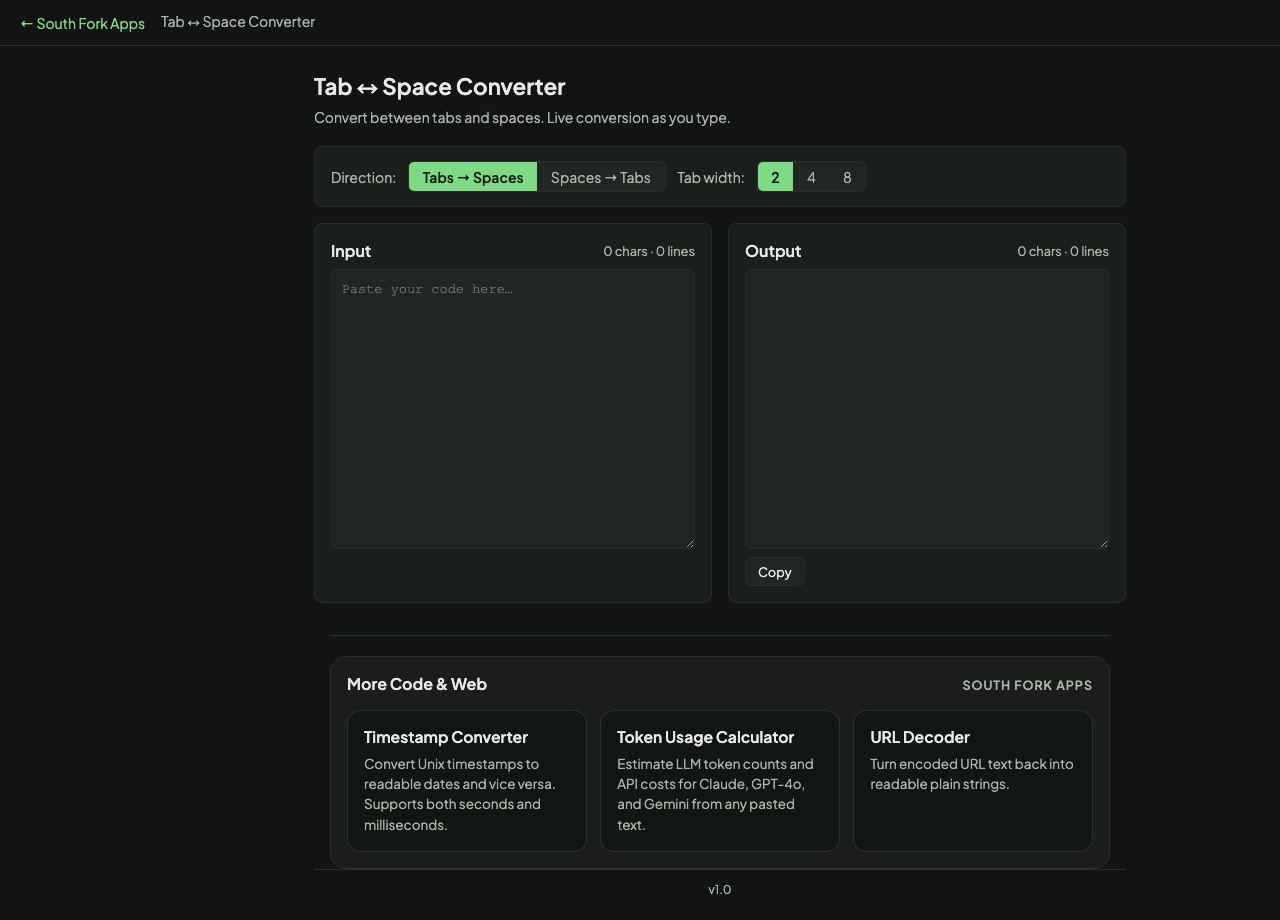
Tab ↔ Space Converter
Convert between tabs and spaces. Live conversion as you type.
Input0 chars · 0 lines
Output0 chars · 0 lines
About this tool
Tab ↔ Space Converter
Tab and Space Converter switches indentation between tabs and spaces at a tab width of 2, 4 or 8.
How to use it
- Paste your code.
- Choose the tab width.
- Convert tabs to spaces or spaces to tabs, then copy.
The argument, and the part that is not an argument
Tabs versus spaces is largely a matter of taste, with one substantive point on each side. Tabs let each developer choose their own display width, which is a genuine accessibility benefit for anyone who needs wider indentation to read code. Spaces render identically everywhere, which matters when alignment must be exact.
What is not a matter of taste is mixing them. A file with both is the usual cause of code that looks correctly indented in one editor and wrong in another, and in Python it is a hard error. Pick one per project and enforce it.
When it helps
- Matching a project's indentation style before submitting a change.
- Fixing a file that has picked up mixed indentation.
- Converting code pasted from a source that used the other convention.
- Preparing code for a system that requires one or the other.
Common mistakes
- Converting inside string literals, where the whitespace is data rather than indentation.
- Converting alignment as though it were indentation. Code aligned into columns breaks when the tab width changes.
- Reindenting a whole file in a shared repository, which turns every line into a diff and buries real changes.