Tag Stripper
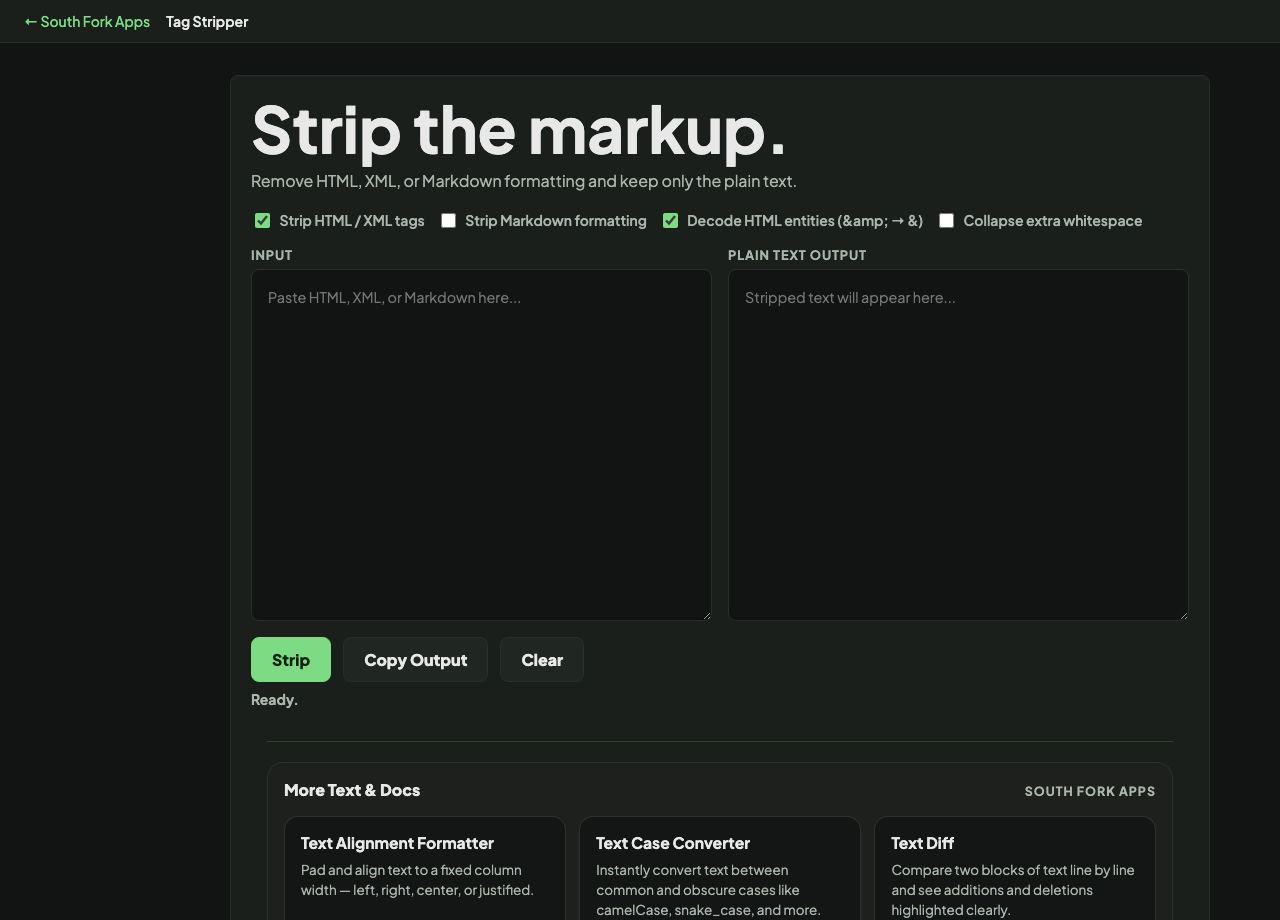
Remove HTML, XML, or Markdown formatting and keep only the plain text.
About this tool
Tag Stripper
Tag Stripper removes HTML and XML tags, Markdown formatting, or both, leaving plain text. It can also decode HTML entities and collapse the extra whitespace that stripping leaves behind.
How to use it
- Paste your marked-up text.
- Tick what to strip: HTML/XML tags, Markdown formatting, or both.
- Optionally decode entities and collapse whitespace.
- Press Strip and copy the output.
Why stripping leaves a mess without the extra options
Removing tags alone gives you text littered with entities like & and , because those are not tags. Decoding entities turns them back into the characters they represent.
Stripping also leaves whitespace behind. Block-level tags were providing the visual separation, and once they are gone you get either everything jammed together or long runs of blank lines. Collapsing whitespace fixes that, which is why these three options belong together.
When it helps
- Getting plain text out of a copied web page for use elsewhere.
- Extracting readable content from an HTML email.
- Converting Markdown to plain text for a system that cannot render it.
- Cleaning scraped content before analysing it.
Common mistakes
- Stripping tags from content you need to keep structured. This is a one-way operation and the structure is not recoverable.
- Forgetting to decode entities, leaving & scattered through the output.
- Using tag stripping as a security measure. Sanitising untrusted HTML properly needs a real parser, not a strip.