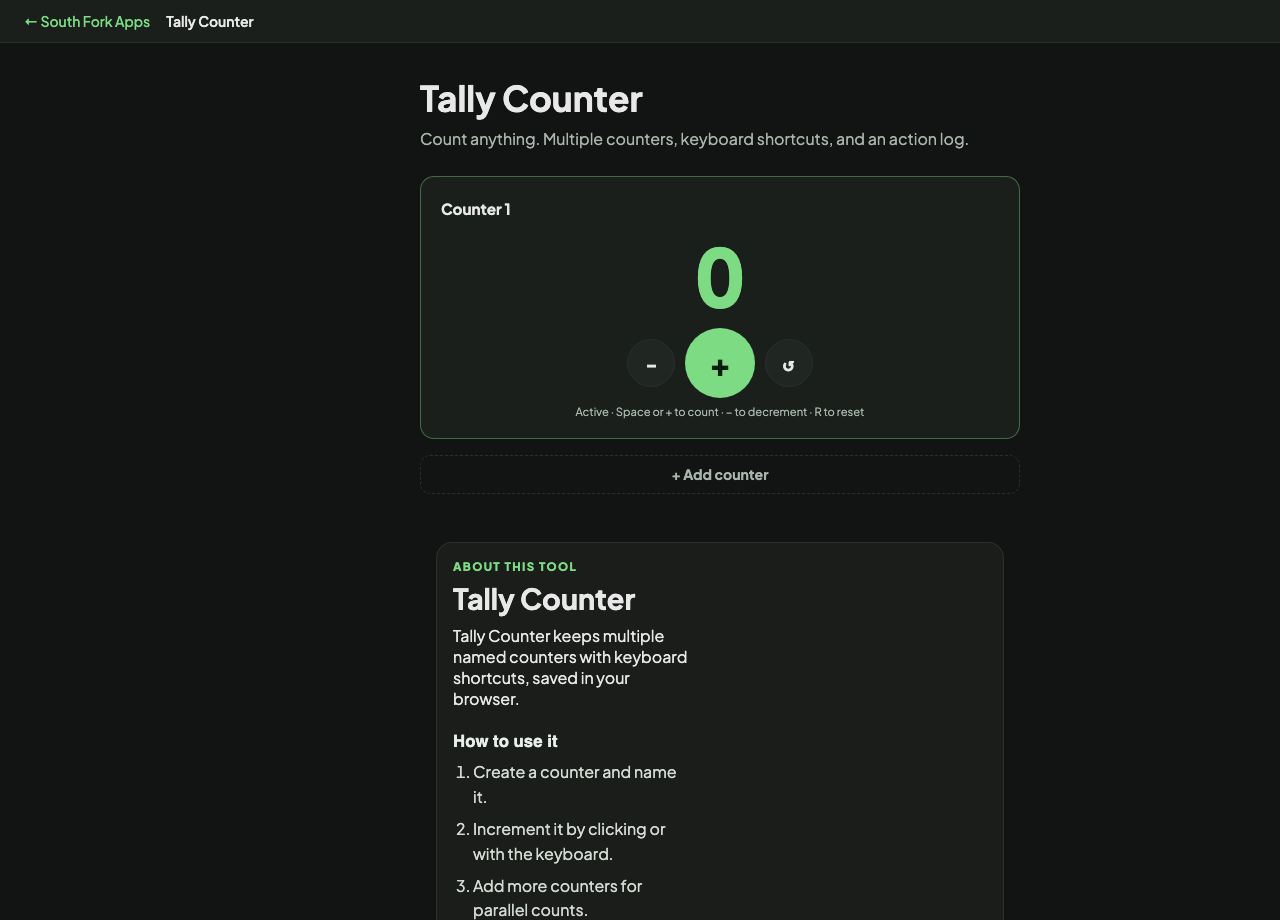
Tally Counter
Count anything. Multiple counters, keyboard shortcuts, and an action log.
About this tool
Tally Counter
Tally Counter keeps multiple named counters with keyboard shortcuts, saved in your browser.
How to use it
- Create a counter and name it.
- Increment it by clicking or with the keyboard.
- Add more counters for parallel counts.
Why a counter beats remembering
Counting in your head fails as soon as you are interrupted, and there is no way to recover the number. A counter externalises the state, so an interruption costs nothing.
Multiple named counters are what make it useful for real work. Counting one thing is easy; counting four categories simultaneously while doing something else is exactly where mental counting breaks down.
Worked example
Why counting in your head fails:
- Uninterrupted countreliable
- After an interruptionunrecoverable
- Counting four categories at oncebreaks down quickly
Result: Externalising the count makes an interruption cost nothing.
When it helps
- Counting inventory or stock.
- Keeping attendance or a headcount.
- Counting occurrences during an observation or a survey.
- Tracking several categories at once without losing your place.
Common mistakes
- Relying on browser storage for something that matters without writing the total down at the end.
- Using one counter for several categories and trying to remember the split.
- Forgetting to reset between sessions.
What this tool handles
- Counts are stored in your browser only.