About this tool
Task Timer
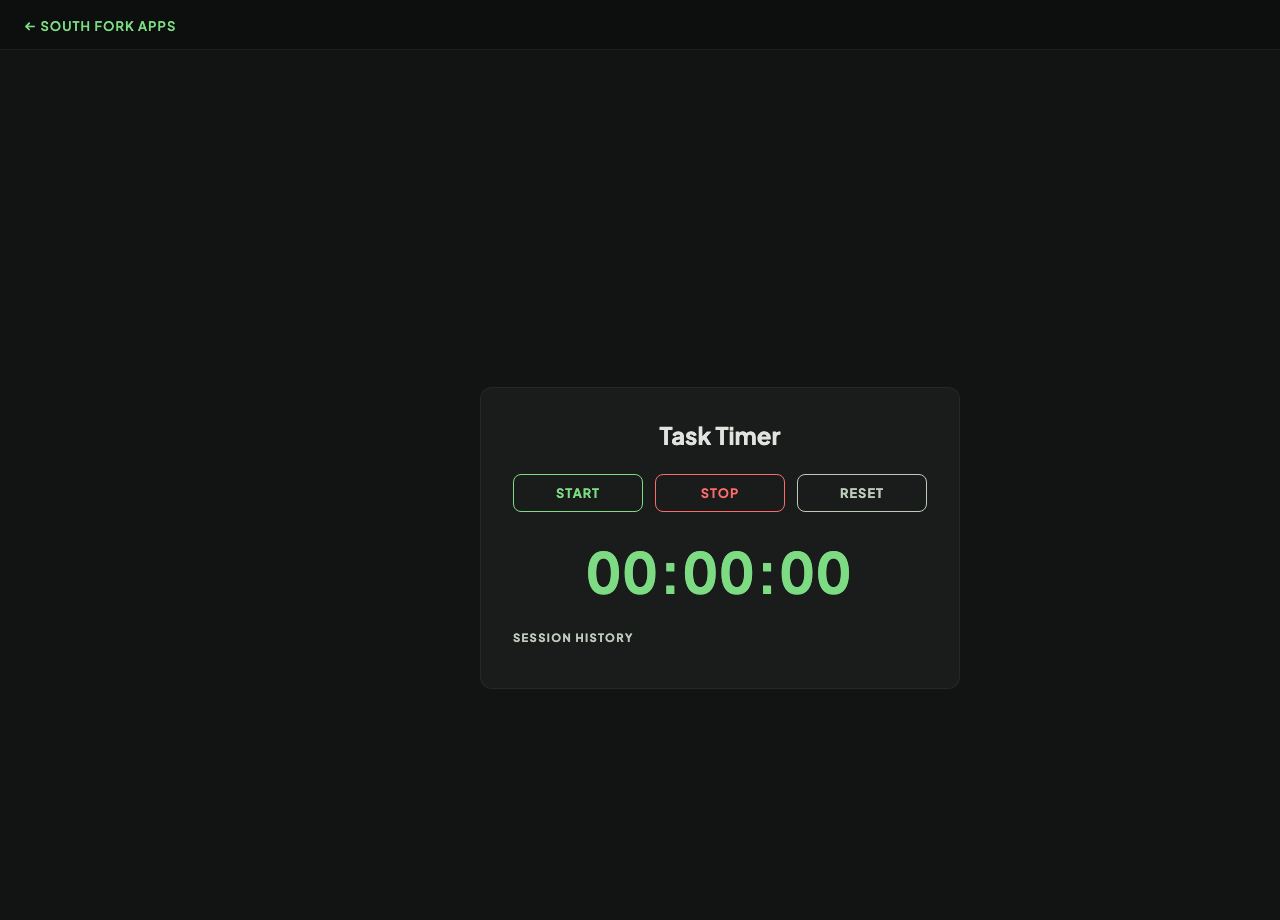
Task Timer measures how long individual tasks actually take, so estimates can be based on data rather than optimism.
How to use it
- Name a task and start the timer.
- Stop it when the task is finished.
- Compare the recorded times across tasks.
The planning fallacy
People systematically underestimate how long their own tasks will take, even when they have done the same task before and even when they know about the bias. This is the planning fallacy, and it is one of the most robust findings in the field.
The reliable correction is not to think harder about the estimate, it is to look at how long the same task took last time. Recorded times beat remembered ones, because memory smooths out the interruptions and false starts that made up much of the real duration.
Worked example
The planning fallacy in one line:
- Remembered durationsmooths out interruptions and rework
- Recorded durationincludes them
- Better estimatethe recorded one
Result: Look at how long it took last time rather than thinking harder about the estimate.
When it helps
- Building real data on how long recurring work takes.
- Improving estimates for planning or quoting.
- Finding which tasks quietly consume the most time.
- Checking whether a task is actually as long as it feels.
Common mistakes
- Only timing the parts that go well. The interruptions and rework are the reason estimates fail.
- Timing one instance and treating it as typical.
- Using the data to judge yourself rather than to estimate better.