About this tool
Teleprompter
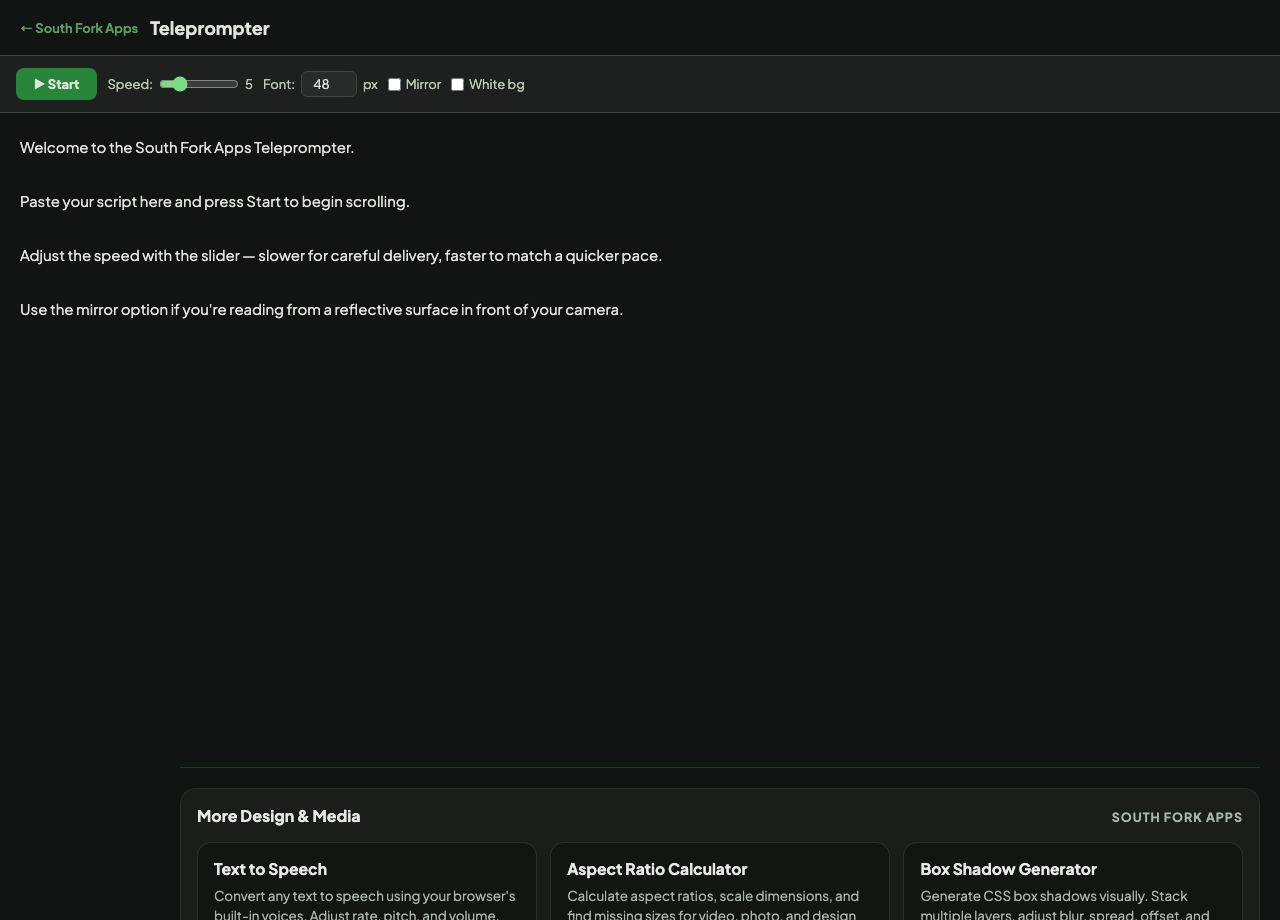
Teleprompter scrolls your script at an adjustable speed with configurable font size, a mirror mode for beam-splitter rigs, and a light background option.
How to use it
- Paste your script.
- Set the font size and scroll speed.
- Turn on Mirror if you are using a beam-splitter teleprompter rig.
- Start scrolling and read.
Why mirror mode exists
A hardware teleprompter puts a half-silvered mirror at 45 degrees in front of the lens. The presenter sees the reflected text while the camera shoots straight through the glass, which is what lets someone look directly down the lens while reading.
Because the image is reflected, the source text has to be flipped horizontally or it reads backwards. That is all mirror mode does, and you only want it when using such a rig.
When it helps
- Recording a piece to camera while maintaining eye contact.
- Delivering a rehearsed presentation without looking down at notes.
- Practising a script at the pace you will actually deliver it.
- Recording a voiceover without page-turn noise.
Common mistakes
- Setting the speed before knowing your pace. Read a paragraph aloud first and adjust, because reading too fast to a script is the most common teleprompter mistake.
- Using a small font. Larger text keeps your eyes still, which is what stops the reading being visible on camera.
- Turning on mirror mode without a beam-splitter, which makes the text unreadable.