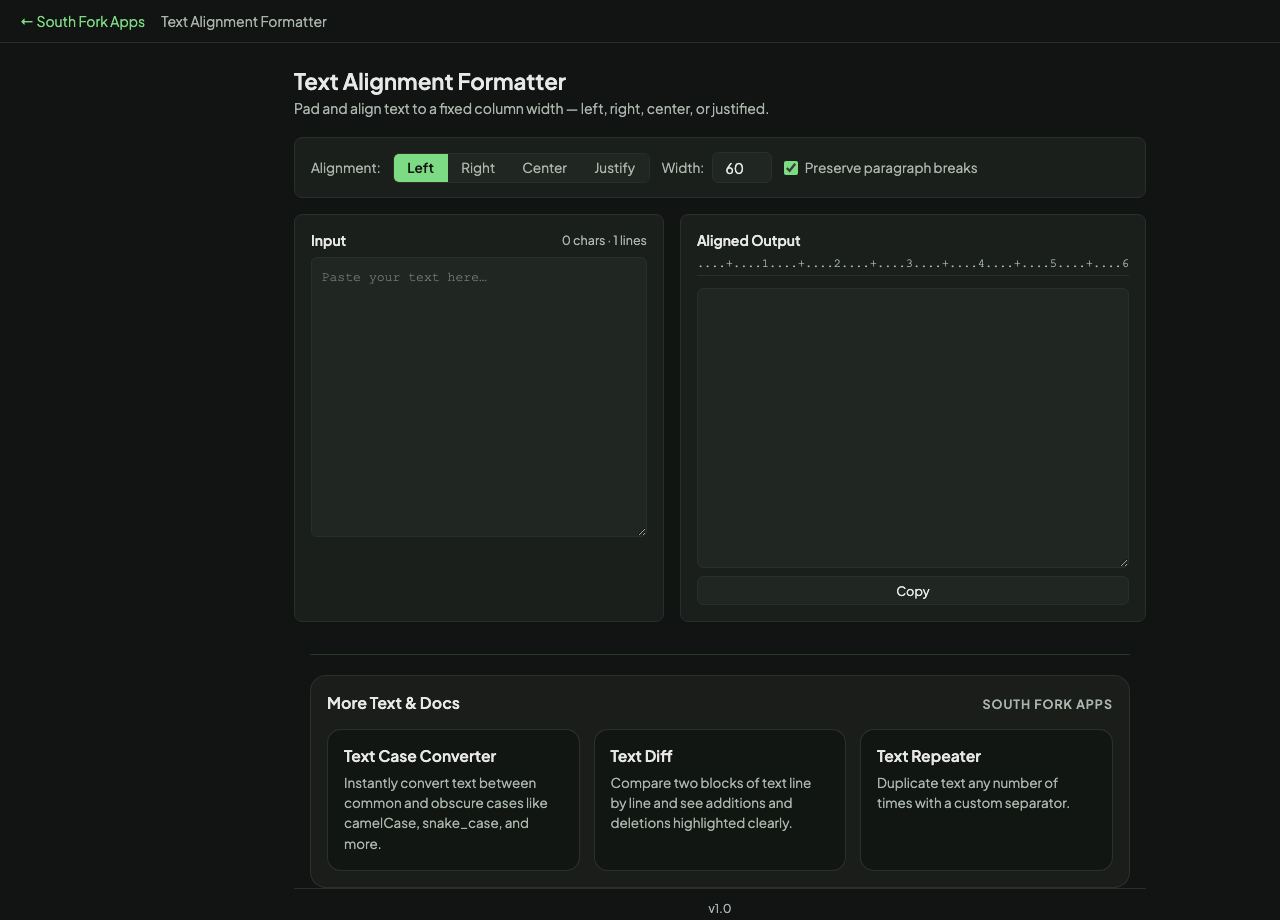
Text Alignment Formatter
Pad and align text to a fixed column width — left, right, center, or justified.
Input
Aligned Output
About this tool
Text Alignment Formatter
Text Alignment formats text to a fixed column width, aligned left, right, centred or justified, with the option to preserve paragraph breaks.
How to use it
- Paste your text and set the column width.
- Choose left, right, centre or justify.
- Turn on Preserve paragraph breaks to keep the structure.
- Copy the formatted output.
How justification works in plain text
Left, right and centre alignment just add padding spaces on one side or both. Justification is different: it stretches the gaps between words so each line reaches the full width on both edges.
This only works in a monospaced context, because it counts characters rather than measuring pixel widths. Paste justified plain text into a proportional font and the careful spacing collapses into an uneven mess.
When it helps
- Formatting text for a terminal, a code comment, or a README.
- Producing fixed-width output for a system that expects it.
- Centring a heading in a plain-text document or an ASCII banner.
- Making a plain-text email look deliberately laid out.
Common mistakes
- Justifying text that will be displayed in a proportional font, where the added spaces make it worse rather than better.
- Choosing too narrow a width, which forces large gaps between words in justified text.
- Aligning content that will be rewrapped later, which discards the work entirely.