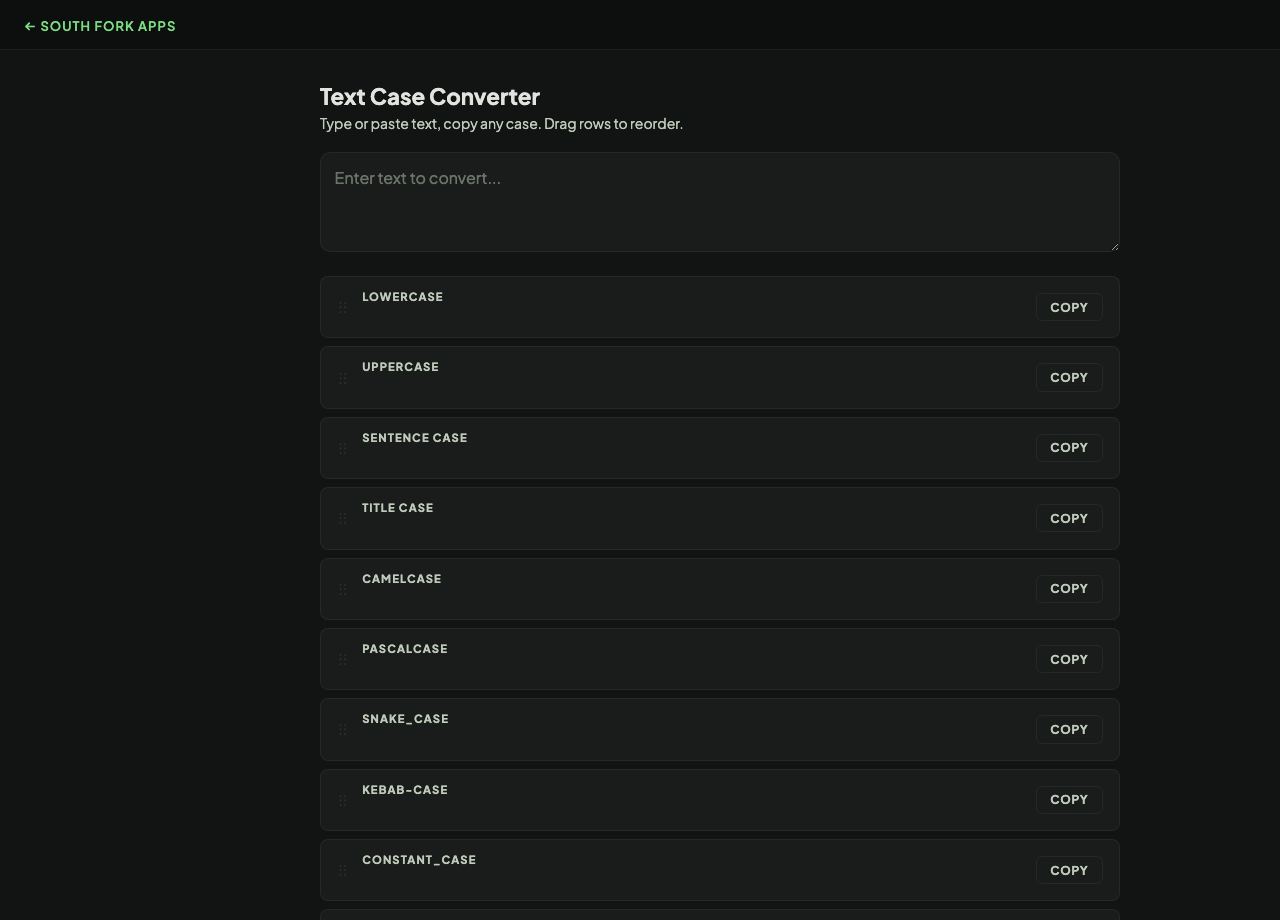
Text Case Converter
Text Case Converter switches text between uppercase, lowercase, title case and sentence case.
How to use it
- Paste your text.
- Choose the case you want.
- Copy the result.
Title case is not one rule
Uppercase, lowercase and sentence case are mechanical. Title case is not, because style guides disagree about which words to leave lowercase. Most lowercase short articles, conjunctions and prepositions (a, an, the, and, of, in) unless they are the first or last word, but the length threshold for prepositions varies between guides.
Case conversion also has language traps. In Turkish, the uppercase of a dotless i is a dotless I, and applying English rules produces the wrong letter. Any conversion done for machine comparison rather than display should use a locale-independent fold.
Worked example
Why title case cannot be fully automatic:
- Inputthe rise of ebay and the iphone
- Naive title caseThe Rise Of EBay And The IPhone
- CorrectThe Rise of eBay and the iPhone
Result: No rule knows that eBay and iPhone keep a lowercase first letter, or that of stays lowercase.
When it helps
- Fixing a heading that was typed in all caps.
- Normalising imported data where capitalisation is inconsistent.
- Converting a title to your publication's house style.
- Rescuing text from a caps lock accident.
Common mistakes
- Applying title case to a sentence and getting proper nouns wrong. No automatic rule knows that iPhone and eBay keep their lowercase first letter.
- Uppercasing text for comparison instead of using a case fold, which breaks on several languages.
- Sentence-casing text containing acronyms, which turns NASA into Nasa.