About this tool
Text Diff
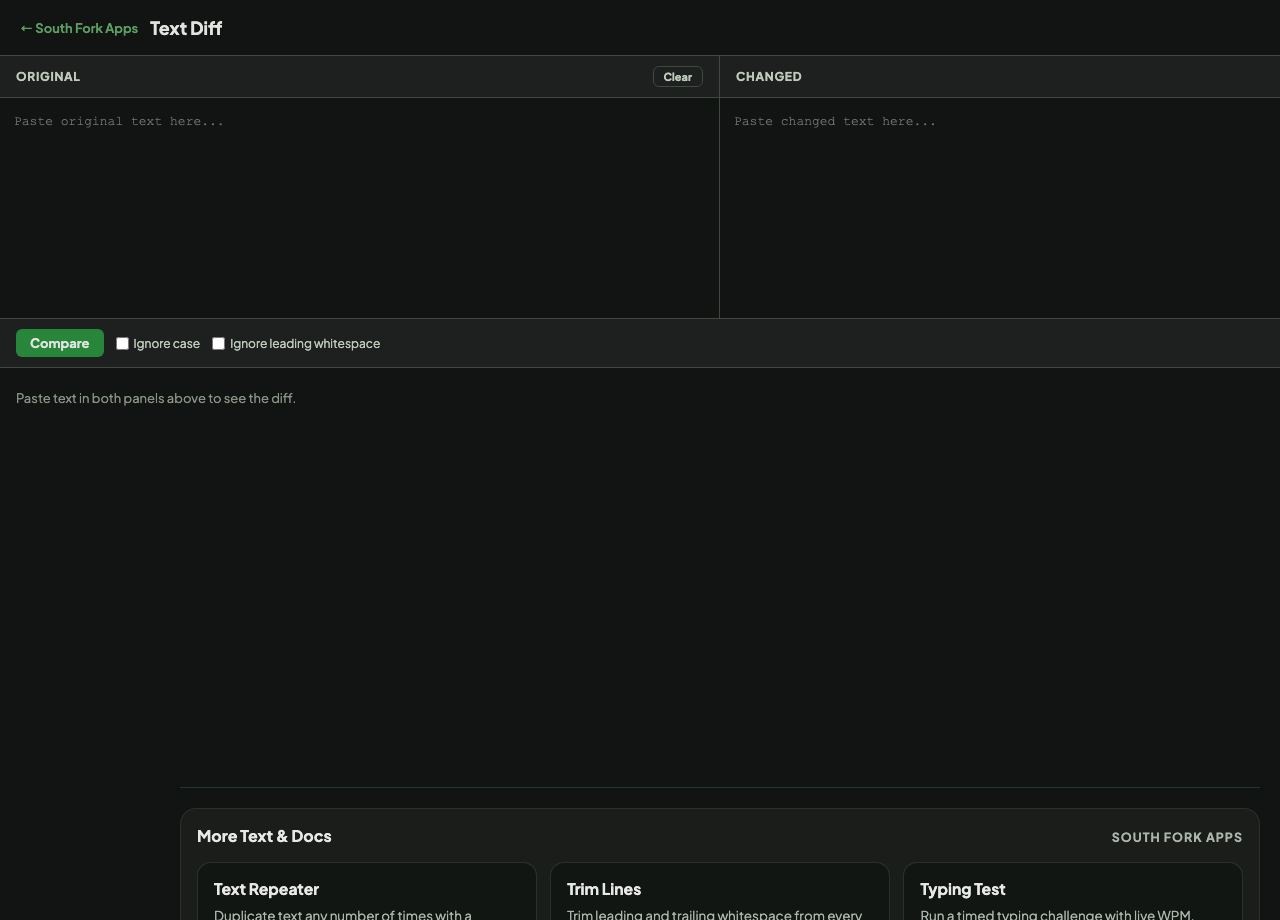
Text Diff compares two blocks of text and highlights what changed, line by line, with options to ignore case and leading whitespace.
How to use it
- Paste the original into the first box and the new version into the second.
- Turn on Ignore case or Ignore leading whitespace if those differences are noise for your purpose.
- Press Compare and read the highlighted result.
Why diffs are line-based
A diff finds the longest sequence of lines the two versions share, then reports everything else as added or removed. Working line by line is what makes the output readable, which is why version control systems do the same.
The consequence is that changing one word marks the whole line as changed. That is not a flaw, it is the trade: a character-level diff is more precise and much harder to read at a glance.
When it helps
- Finding what changed between two drafts of a document.
- Checking a config file against a known-good version.
- Comparing exported data before and after a process ran.
- Spotting an unintended edit in copy you have handed round for review.
Common mistakes
- Comparing files with different line endings without normalising first. Windows CRLF against Unix LF makes every single line look changed.
- Leaving whitespace sensitivity on when comparing indented code or data, which buries the real changes in noise.
- Diffing reformatted text. If a reflow changed every line break, the diff cannot tell you anything useful.