← South Fork Apps

Text to Speech

Text 0 words
Voice
Settings
Presets
About this tool

Text to Speech

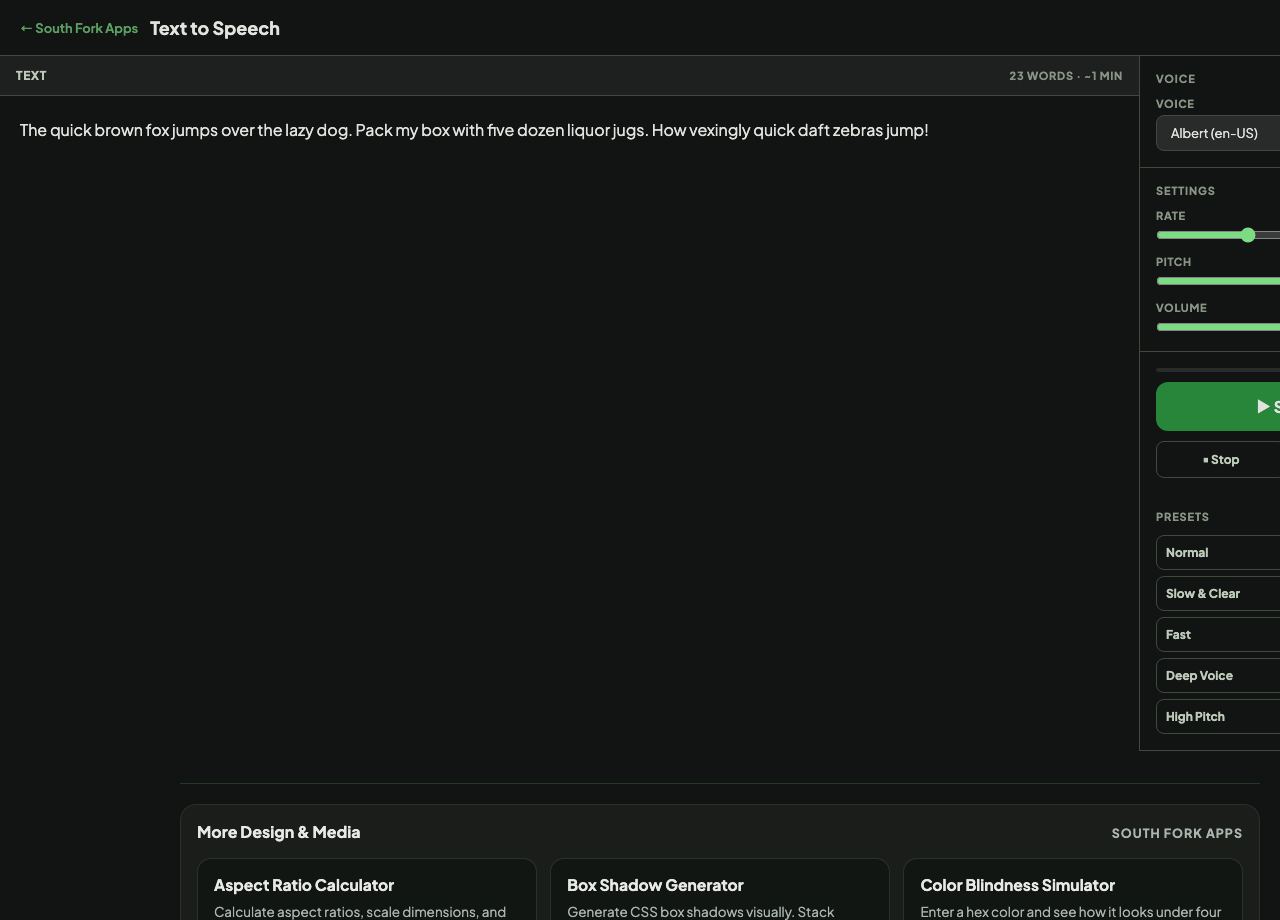
Text to Speech reads text aloud using the voices already installed in your browser and operating system, with controls for voice, rate, pitch and volume. Nothing is uploaded.

How to use it

  1. Paste your text.
  2. Choose a voice from the ones your system provides.
  3. Adjust rate, pitch and volume, then play.

Why the voice list differs on every machine

This uses the Web Speech API, which does not ship voices of its own. It exposes whatever the operating system already has, so the list depends on your platform, your installed language packs, and your browser.

That means the same page sounds different on macOS, Windows and Android, and a voice you choose will not be available to someone else. It also means the feature works offline for locally installed voices and costs nothing.
When it helps

  • Proofreading by listening, which catches awkward phrasing that reading silently misses.
  • Making a document accessible when reading is difficult.
  • Checking how a script sounds before recording it.
  • Listening to an article while doing something else.

Common mistakes

  • Expecting consistent voices across devices. They are the system's, not the page's.
  • Using it to produce audio for publication. Browser voices are not licensed or exportable, and quality is well below dedicated services.
  • Feeding it very long text at once. Some browsers cut off after a certain length.

What this tool handles

  • Runs entirely through your browser's built-in speech engine. No text is transmitted.
Text to Speech interface preview
Screenshot of the live Text to Speech interface.

v1.0