About this tool
Timestamp Converter
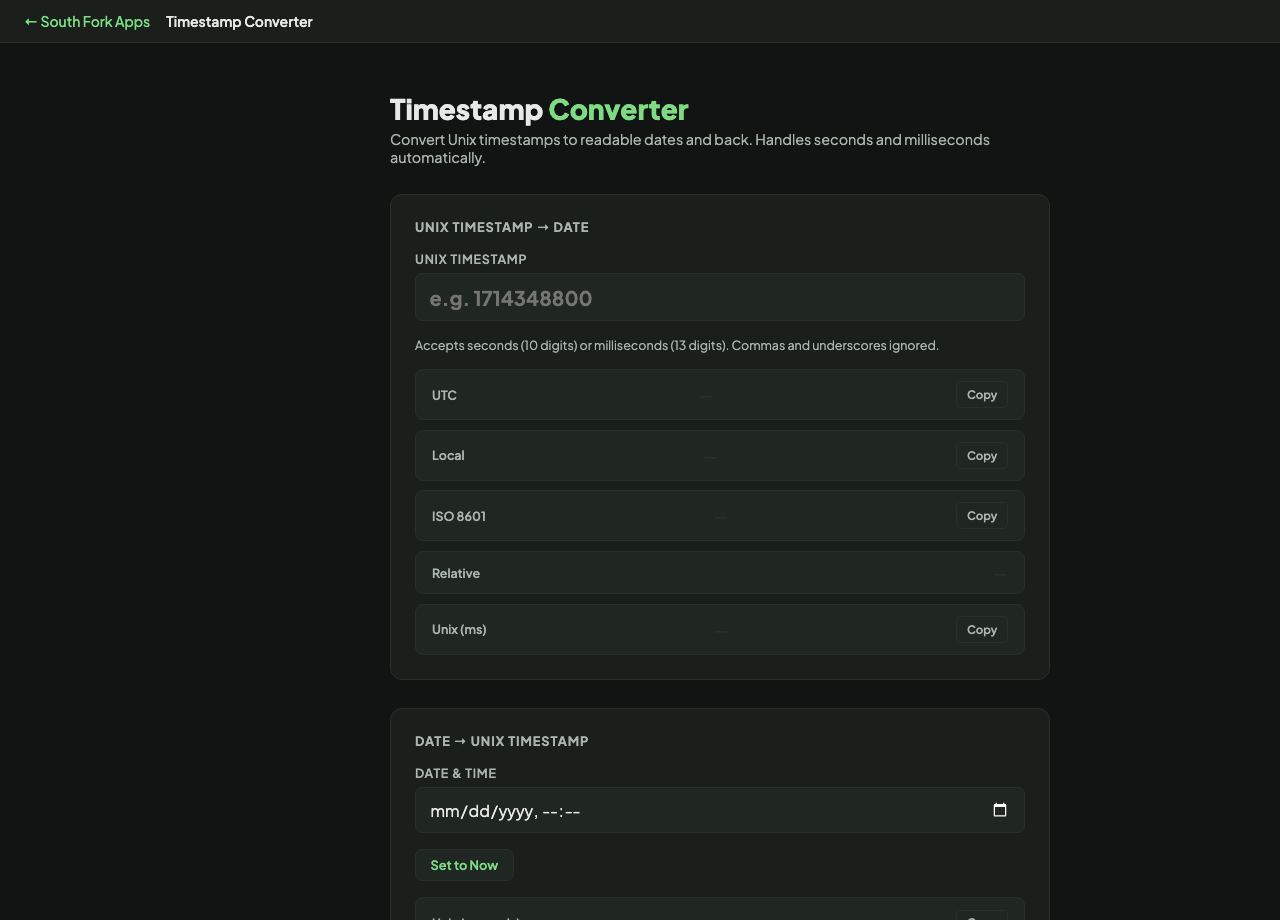
Unix Timestamp Converter goes both ways between epoch timestamps and readable dates, with a Set to Now button and copy buttons on every output format.
How to use it
- Enter a Unix timestamp to get a readable date.
- Or enter a date and time to get the timestamp.
- Press Set to Now for the current moment.
- Copy whichever format you need.
Seconds, milliseconds, and 2038
A Unix timestamp counts seconds since midnight UTC on 1 January 1970. JavaScript, however, counts milliseconds, which is why a timestamp pasted from a browser is a thousand times larger and lands in the year 55,000 if read as seconds. Ten digits is seconds, thirteen is milliseconds.
The other well-known limit is 2038. A signed 32-bit integer overflows on 19 January 2038, which will break any system still storing timestamps that way. Most modern systems use 64-bit values and are unaffected, but the problem persists in embedded and legacy code.
When it helps
- Reading timestamps out of a log file or a database row.
- Converting a date into the epoch value an API expects.
- Checking a token or cookie expiry.
- Debugging a timezone problem by comparing UTC to local time.
Common mistakes
- Confusing seconds with milliseconds. Count the digits before assuming.
- Forgetting that epoch time is always UTC. Displaying it in local time without converting shifts everything by your offset.
- Assuming timestamps are unique. Two events in the same second share one, which matters when sorting.