← South Fork Apps

Timezone Converter

Your local time:
Convert a Time
World Clock — Right Now
About this tool

Timezone Converter

Timezone Converter converts a time between any two zones, with a live world clock.

How to use it

  1. Enter a date and time.
  2. Choose the source and target time zones.
  3. Read the converted time.

Why time zone conversion is genuinely hard

Zones are not fixed offsets. Most observe daylight saving, they change on different dates, some regions do not observe it at all, and a handful of zones are offset by 30 or 45 minutes rather than whole hours.

Governments also change the rules. This is why software uses the IANA time zone database, which records the full history of every zone's rules, and why converting a time correctly requires knowing the date as well as the zones.

Worked example

Why a fixed offset is wrong:

  • New York in JanuaryUTC-5
  • New York in JulyUTC-4
  • Same zoneyes

Result: The offset depends on the date, which is why conversion needs the date as well as the two zones.
When it helps

  • Working out what a meeting time means where you are.
  • Scheduling a call with someone abroad.
  • Converting a deadline given in another zone.
  • Checking what time it currently is somewhere else.

Common mistakes

  • Converting with a fixed offset. The offset depends on the date because of daylight saving.
  • Using a zone abbreviation like CST, which is ambiguous between several zones worldwide.
  • Forgetting the date can change. Converting across enough hours moves you into the previous or next day.
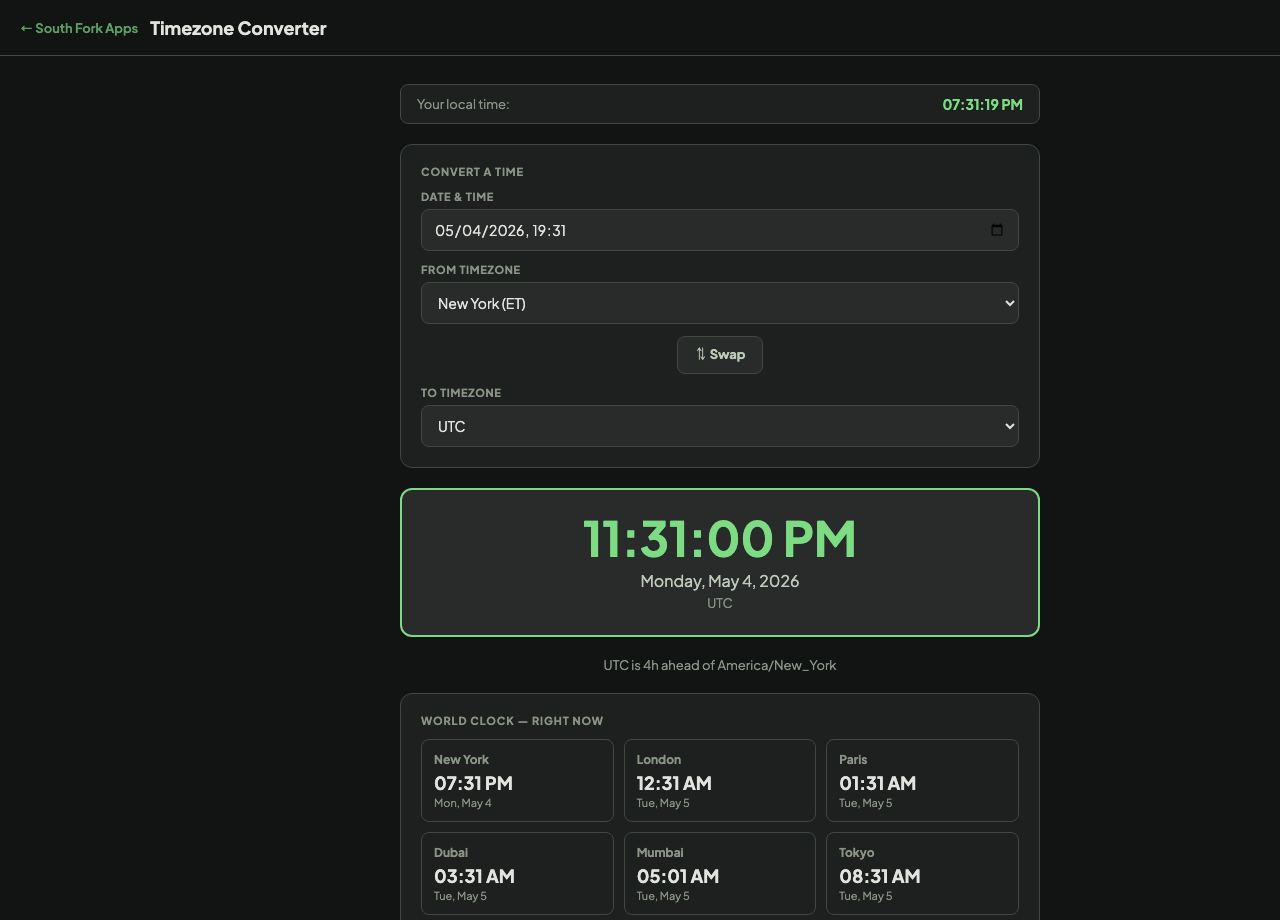
Timezone Converter interface preview
Screenshot of the live Timezone Converter interface.

v1.0