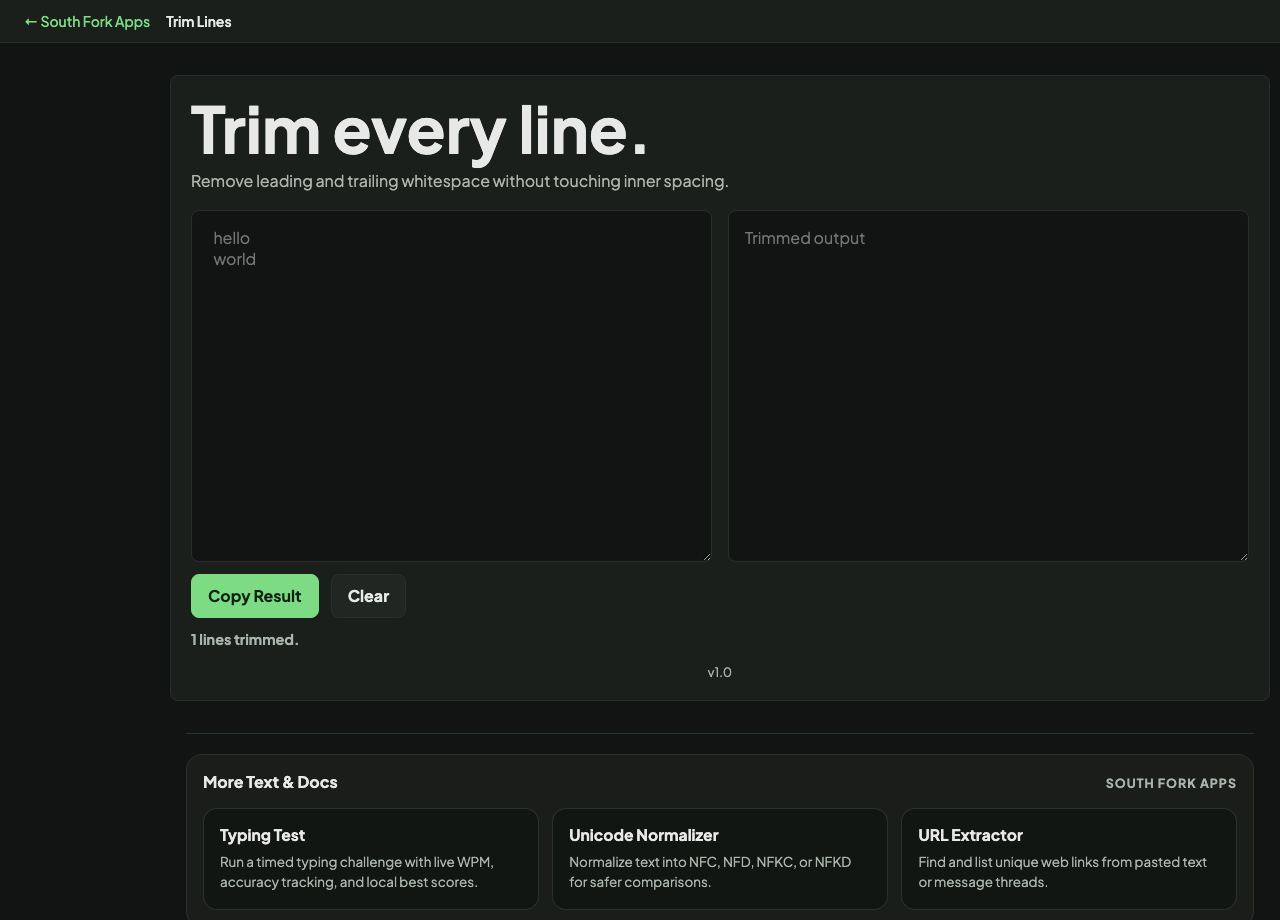
Trim Lines
Remove leading and trailing whitespace without touching inner spacing.
About this tool
Trim Lines
Line Trimmer removes leading and trailing whitespace from every line, leaving the content and the line structure intact.
How to use it
- Paste your text.
- The trimmed result appears immediately.
- Copy it out.
Why trailing whitespace causes so much trouble
Trailing spaces are invisible, and almost every system treats them as content. They break exact-match comparisons, defeat deduplication, corrupt lookup keys, and produce mystifying bugs where two apparently identical values are not equal.
Trimming removes spaces and tabs from both ends of each line. It does not touch whitespace inside a line, so words stay separated and internal formatting survives.
Worked example
Why two identical-looking values fail to match:
- Value A"apple"
- Value B"apple " (trailing space)
- Comparisonnot equal
Result: After trimming both, they match. This is the single most common cause of a failed lookup.
When it helps
- Cleaning data copied out of a PDF or a web page, which routinely carries stray spaces.
- Preparing a list for deduplication or comparison.
- Fixing indentation that came along with pasted text.
- Normalising values before importing into a database.
Common mistakes
- Trimming code where leading whitespace is the indentation and carries meaning. Python in particular will break.
- Assuming trimming fixes non-breaking spaces. A non-breaking space is a different character and often survives a trim.