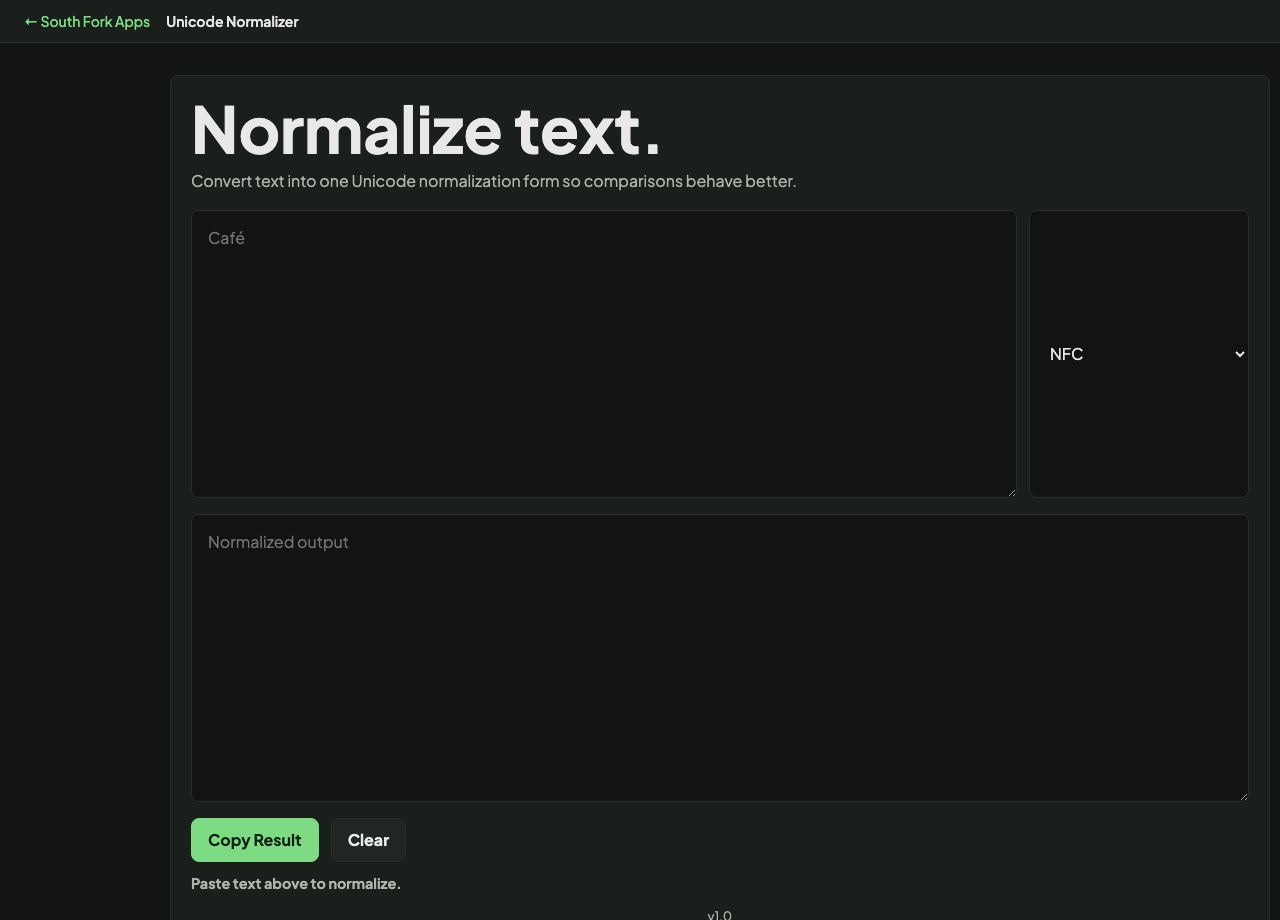
Unicode Normalizer
Convert text into one Unicode normalization form so comparisons behave better.
Unicode Normalizer
Unicode Normalizer converts text to any of the four standard Unicode normalization forms: NFC, NFD, NFKC and NFKD. It is the tool you need when two strings look identical but refuse to compare as equal.
How to use it
- Paste the text you want to normalize.
- Choose a form: NFC, NFD, NFKC or NFKD.
- Copy the result, or clear and start again.
What the four forms do
Unicode can represent the same character in more than one way. The letter e-acute can be a single code point (U+00E9) or a plain e followed by a combining accent (U+0065 U+0301). They look identical and are not equal as strings. NFC composes them into the single code point, NFD decomposes them into the pair.
The K forms apply compatibility mapping as well, which folds visually distinct variants into plain equivalents. NFKC turns a full-width character into its ASCII equivalent and the ligature fi into f plus i. That is powerful for search and matching, and lossy, so it is the wrong choice if you need to preserve the original exactly.
Worked example
Two ways of writing the same accented letter:
- Composed (NFC)one code point, U+00E9
- Decomposed (NFD)two code points, e + combining acute
Result: Identical on screen, unequal as strings, until you normalize both to the same form.
When it helps
- Fixing a string comparison that fails even though both values look the same.
- Cleaning text pasted from macOS, which often uses decomposed forms, before storing it.
- Normalizing user input before saving usernames or search keys.
- Debugging why a database lookup misses on an accented name.
Common mistakes
- Using NFKC when you need to preserve the original text. Compatibility mapping discards distinctions you may need later.
- Normalizing only one side of a comparison. Both strings must be in the same form for the comparison to be meaningful.
- Assuming ASCII text is unaffected. It is not changed, which is precisely why normalizing everything on input is safe and cheap.