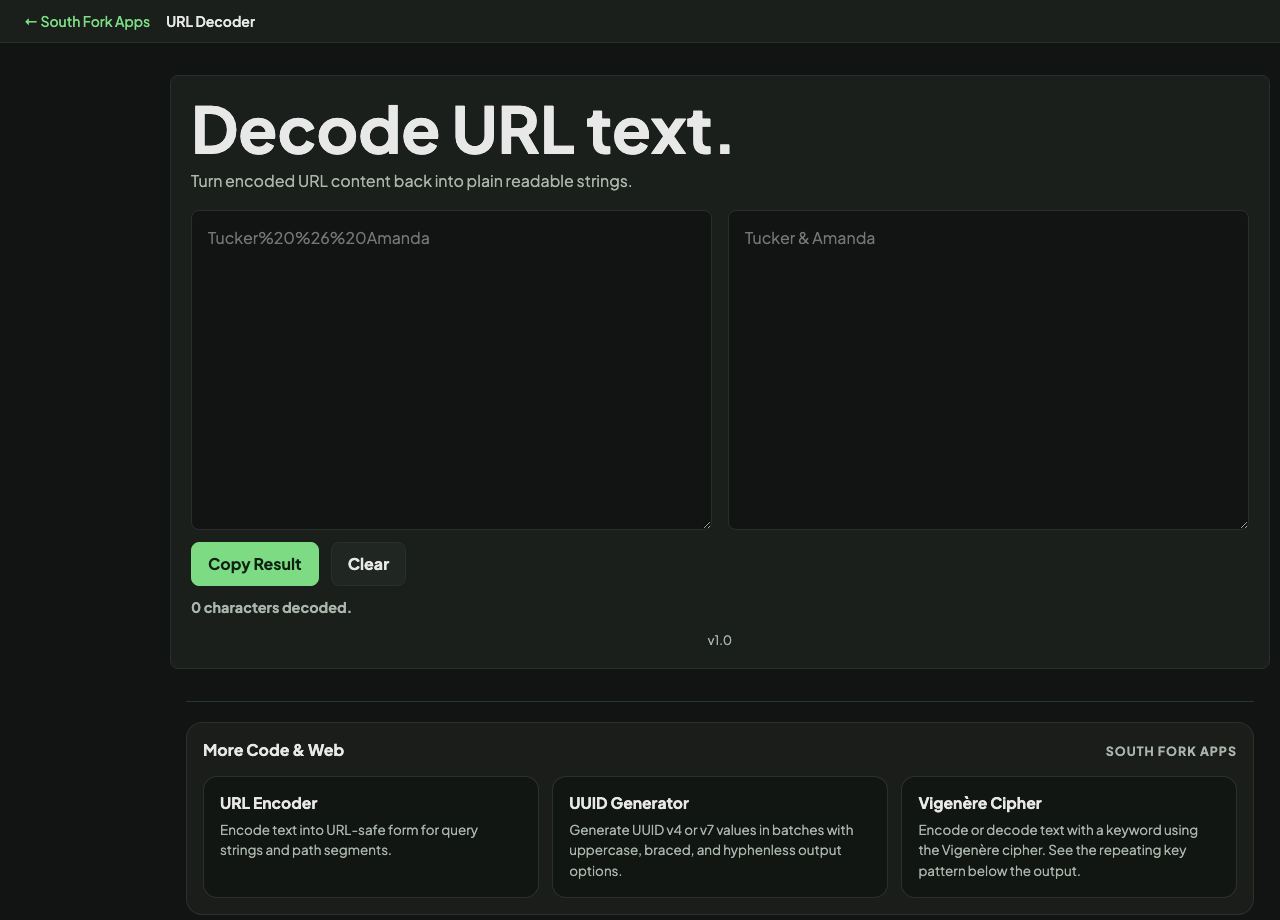
URL Decoder
Turn encoded URL content back into plain readable strings.
URL Decoder
URL Decoder turns percent-encoded strings back into readable text.
How to use it
- Paste the encoded string.
- The decoded text appears immediately.
- Copy the result.
Reading an encoded URL
Each percent sign is followed by two hexadecimal digits giving a byte value. %20 is a space, %2F is a slash, %3A is a colon. For non-ASCII characters, UTF-8 means one character can become several percent sequences, which is why an accented letter appears as two.
Decoding once is almost always correct. If the result still contains percent sequences, the string was double encoded somewhere upstream, and that is worth fixing at the source rather than decoding twice forever.
Worked example
Recognising double encoding:
- Single encoded space%20
- Double encoded space%2520
- After one decode%20 remains
Result: If one pass leaves percent sequences behind, something upstream encoded it twice. Fix that rather than decoding again.
When it helps
- Reading a long tracking or redirect URL to see where it actually points.
- Understanding a parameter value in a log entry.
- Debugging a link that is not resolving to what you expected.
- Recovering readable text from an encoded form submission.
Common mistakes
- Decoding repeatedly until nothing changes, which hides a double-encoding bug rather than fixing it.
- Decoding a URL and then following it without reading it. Encoded redirect parameters are a standard phishing technique.
- Treating a plus as a literal plus in a form-encoded string, where it means a space.