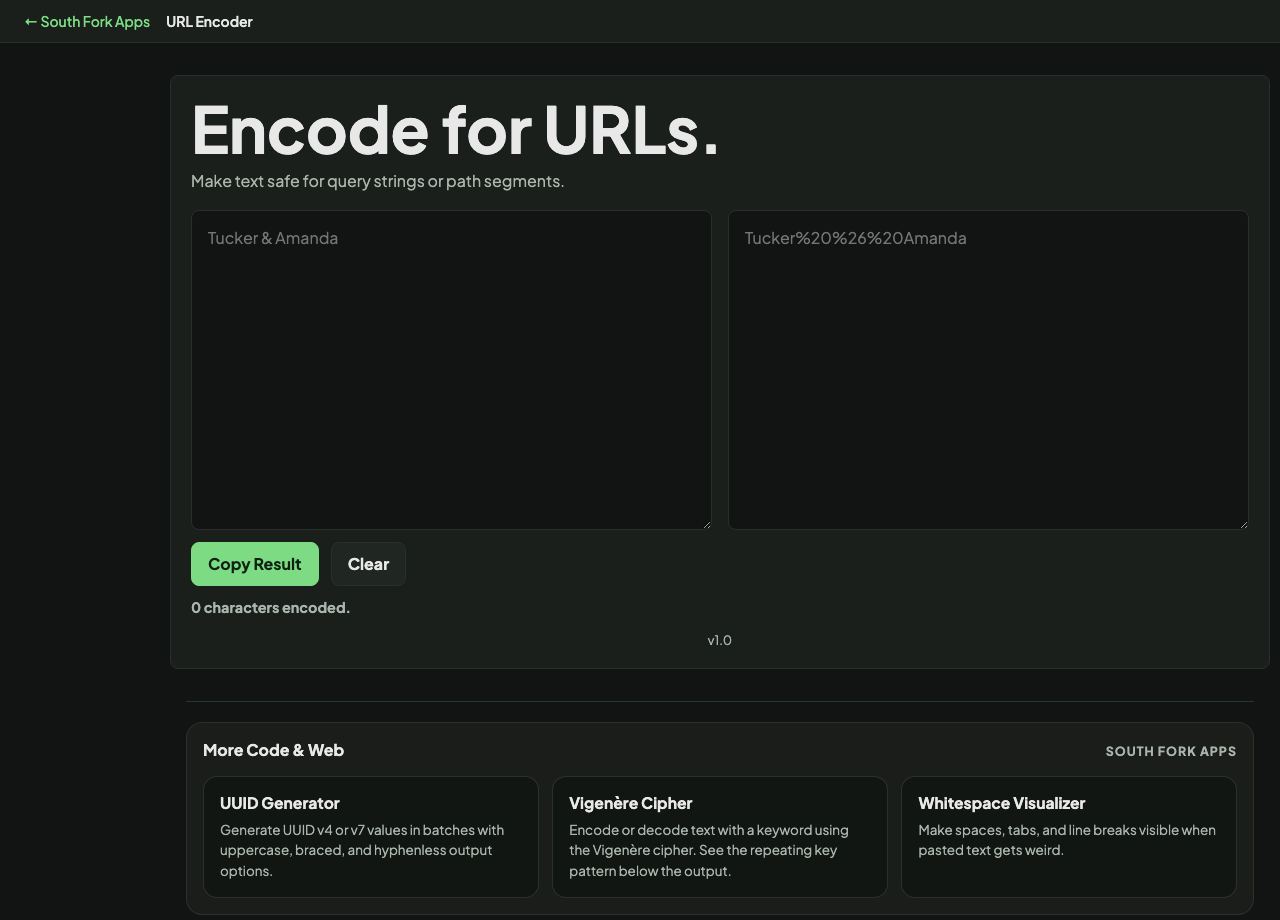
URL Encoder
Make text safe for query strings or path segments.
URL Encoder
URL Encoder converts text into percent-encoded form so it can travel safely inside a URL.
How to use it
- Paste the text you want to encode.
- The percent-encoded output appears immediately.
- Copy it into your URL.
Why certain characters have to be escaped
A URL uses specific characters as structure. A question mark starts the query string, an ampersand separates parameters, an equals sign splits a name from its value, and a hash starts the fragment. If your data contains any of them, it will be read as structure rather than content.
Percent encoding replaces the character with a percent sign and its hexadecimal byte value, so a space becomes %20 and an ampersand becomes %26. Note that the two JavaScript functions differ: encodeURIComponent escapes the reserved characters and is what you want for a single parameter value, while encodeURI leaves them alone because it expects a whole URL.
When it helps
- Putting a value containing spaces or symbols into a query parameter.
- Encoding a URL that is being passed as a parameter inside another URL.
- Fixing a link that breaks at the first ampersand.
- Preparing a search term for an API call.
Common mistakes
- Encoding an entire URL when you meant to encode one parameter, which escapes the slashes and colons and breaks it.
- Double encoding. Running an already-encoded string through again turns %20 into %2520.
- Assuming a plus sign means a space everywhere. It does in form-encoded bodies, but in a URL path a plus is a literal plus.