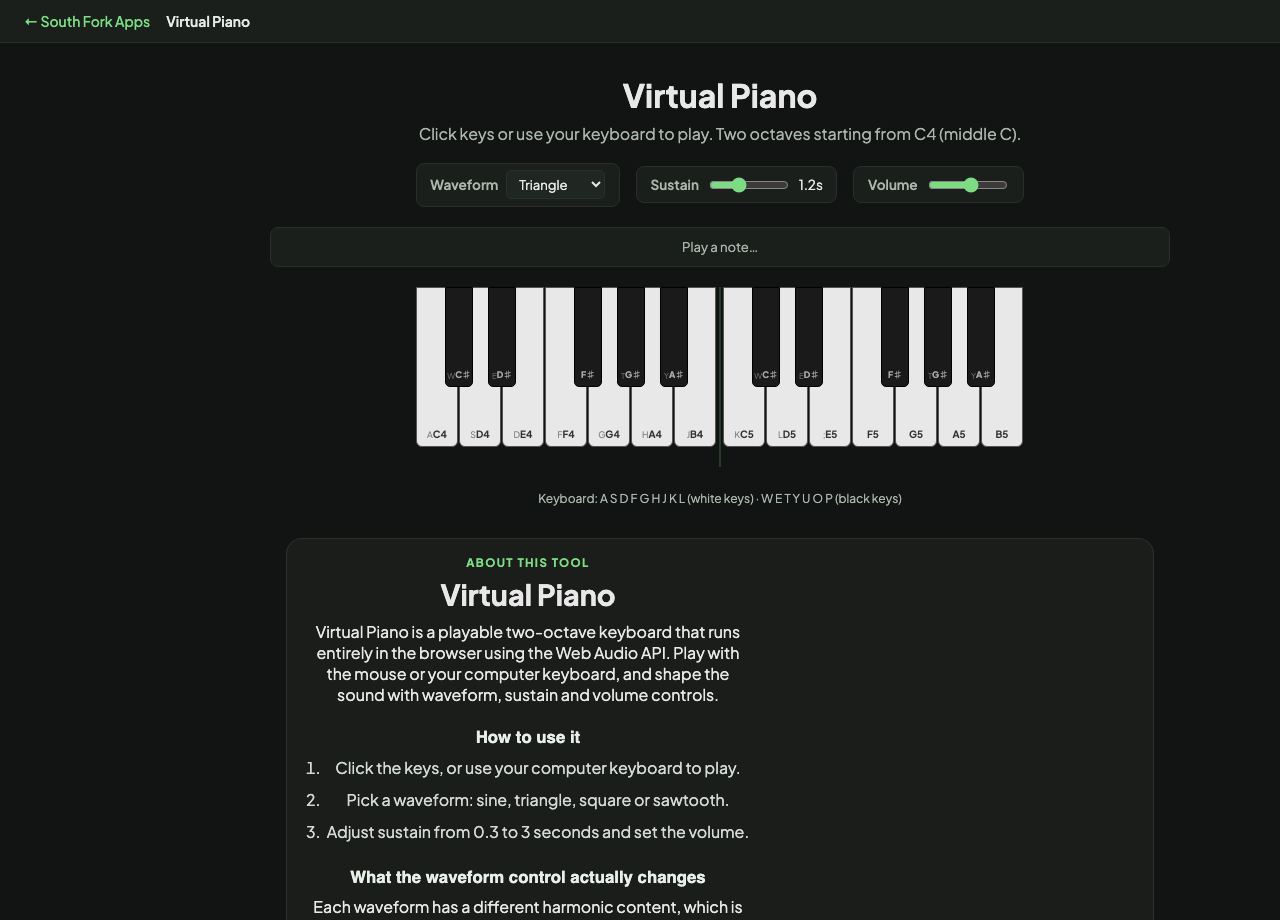
Virtual Piano
Click keys or use your keyboard to play. Two octaves starting from C4 (middle C).
Keyboard: A S D F G H J K L (white keys) · W E T Y U O P (black keys)
Virtual Piano
Virtual Piano is a playable two-octave keyboard that runs entirely in the browser using the Web Audio API. Play with the mouse or your computer keyboard, and shape the sound with waveform, sustain and volume controls.
How to use it
- Click the keys, or use your computer keyboard to play.
- Pick a waveform: sine, triangle, square or sawtooth.
- Adjust sustain from 0.3 to 3 seconds and set the volume.
What the waveform control actually changes
Each waveform has a different harmonic content, which is what your ear hears as tone colour. A sine wave is a single pure frequency with no harmonics at all, so it sounds soft and flute-like. A triangle adds quiet odd harmonics and sounds slightly hollow.
A square wave has strong odd harmonics and sounds buzzy and retro. A sawtooth contains every harmonic and is the brightest and thickest of the four, which is why it is the usual starting point for synth string and brass sounds.
When it helps
- Trying out a chord or melody when there is no instrument nearby.
- Hearing the difference between waveforms, which is the first lesson in synthesis.
- Checking a pitch or interval while working on something else.
- Teaching keyboard layout without needing hardware.
What this tool handles
- Sound is generated live by the Web Audio API rather than played from samples, so nothing is downloaded.
- Longer sustain makes chords ring into each other, which is useful for hearing how voicings blend.