Whitespace Visualizer
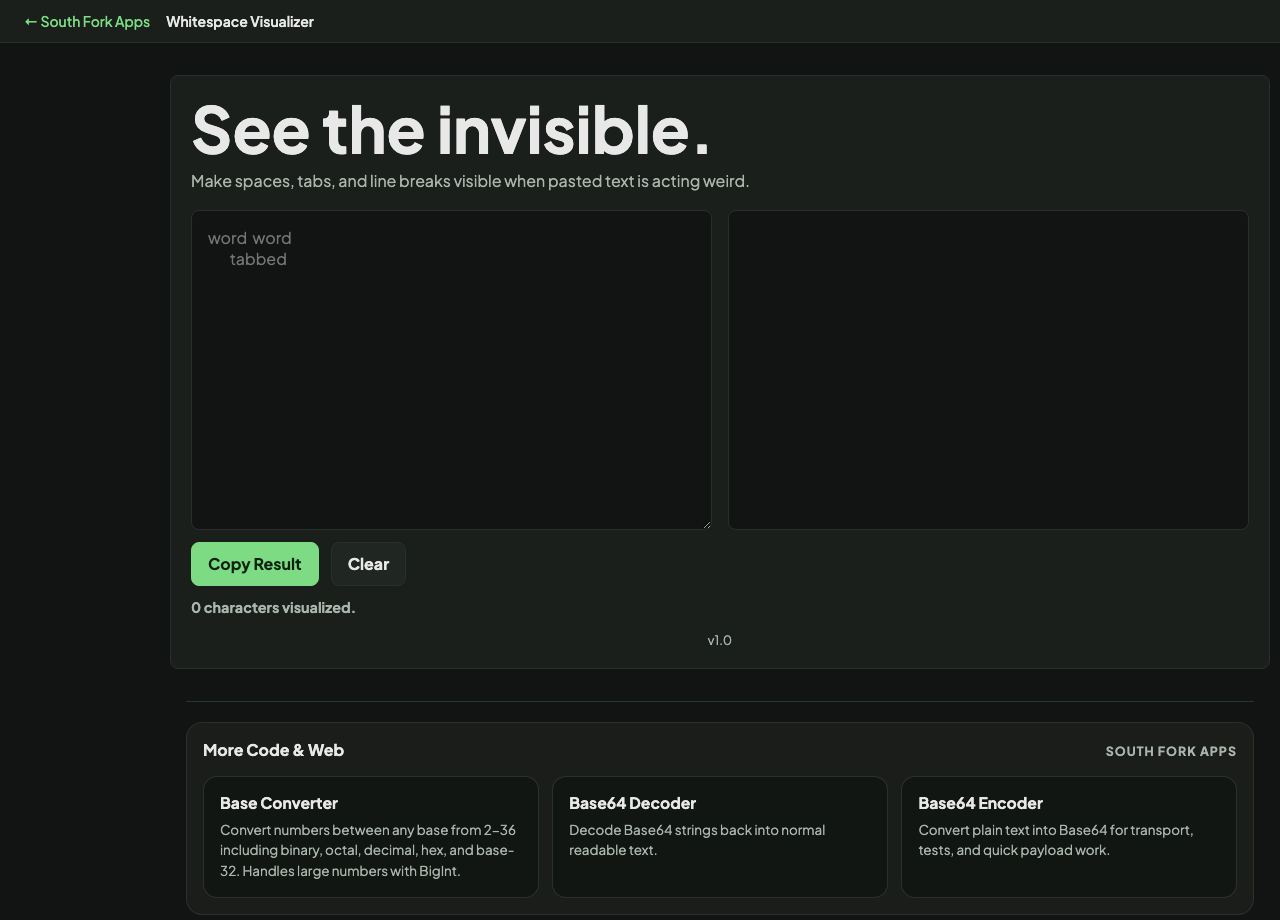
Make spaces, tabs, and line breaks visible when pasted text is acting weird.
About this tool
Whitespace Visualizer
Whitespace Visualizer makes invisible characters visible, showing spaces, tabs, line breaks and the unusual whitespace characters that cause problems you cannot see.
How to use it
- Paste the text you are investigating.
- Read the marked-up version showing every whitespace character.
- Copy the annotated result if you need it.
The characters that cause real trouble
Trailing spaces are invisible and break exact-match comparisons, deduplication and lookup keys. Mixed tabs and spaces make indentation look right in one editor and wrong in another.
The genuinely nasty one is the non-breaking space, U+00A0. It looks exactly like a space, is inserted automatically by word processors and by some web pages, and is not a space as far as any parser is concerned. Code containing one fails to compile with an error that points at a line looking perfectly normal.
When it helps
- Finding why two apparently identical strings do not match.
- Diagnosing indentation problems in code.
- Spotting non-breaking spaces pasted in from a document or a web page.
- Checking data for trailing whitespace before an import.
Common mistakes
- Assuming a trim will remove non-breaking spaces. Many trim implementations do not treat U+00A0 as whitespace.
- Fixing the symptom in one file rather than the source that keeps producing it.
- Ignoring zero-width characters, which are invisible even here unless specifically marked.