About this tool
Word Clock
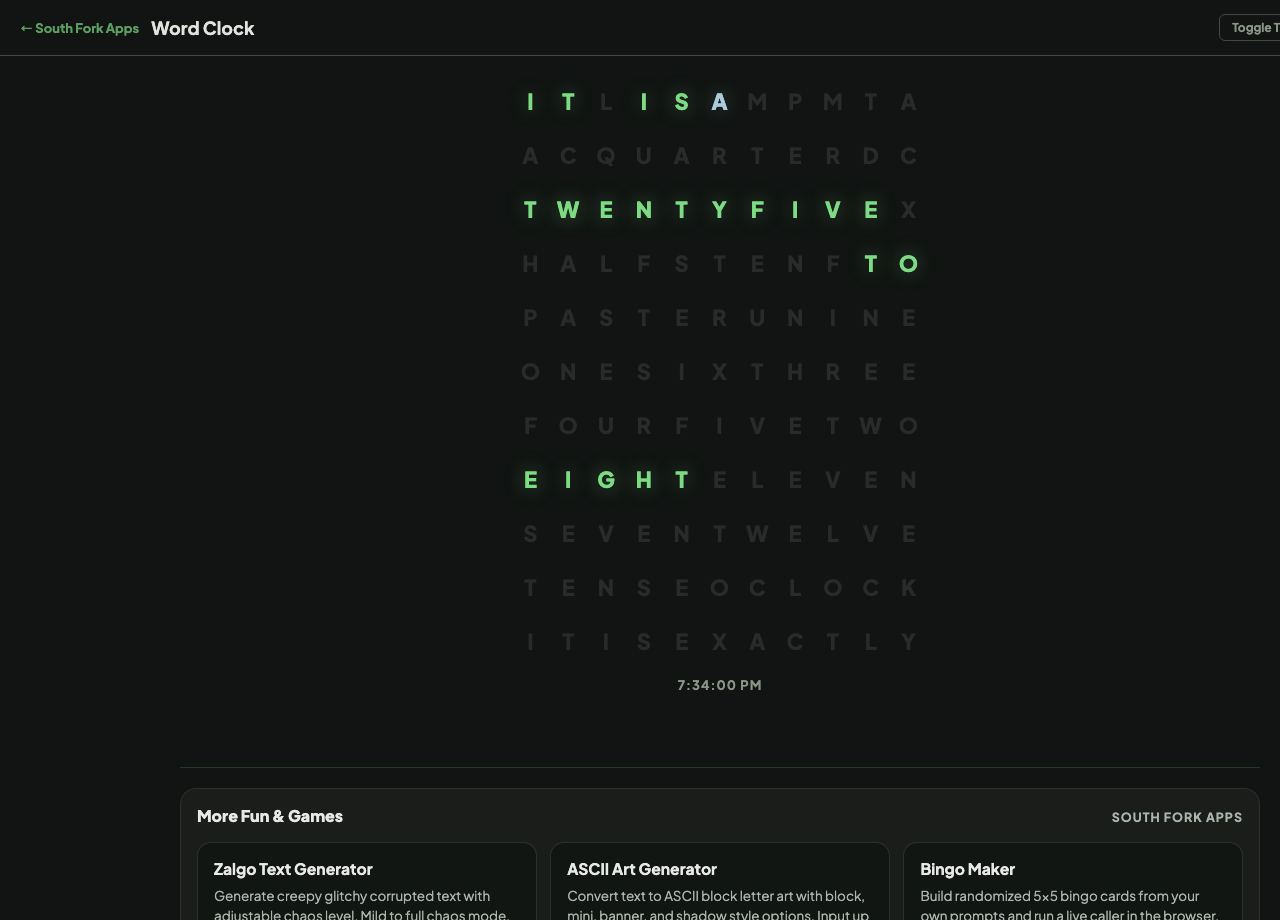
Word Clock spells out the current time in words on a glowing letter grid, lighting only the letters that make up the current phrase.
How to use it
- Open the page and read the highlighted words.
- Watch it update as the time changes.
Why it reads in five minute steps
The grid holds every word needed for any time, and lights only the ones currently required, so the unlit letters act as camouflage. The whole design depends on the words fitting a fixed rectangle in reading order.
Most word clocks round to five minute intervals because that is how people actually say the time. Nobody says it is seventeen minutes past four, they say quarter past. The imprecision is the point rather than a limitation.
Worked example
Why it rounds:
- Actual time4:17
- Displayedquarter past four
- Reasonit shows time the way people say it
Result: The imprecision is the design, not a limitation.
When it helps
- An ambient clock for a second screen or a spare display.
- A calmer way to show time than digits.
- A decorative display for a desk or a shelf.
- Reading the time the way you would say it.
Common mistakes
- Using it when you need exact time. It rounds by design.
- Expecting it to be legible at a glance from across a room. The camouflage that makes it attractive also makes it slower to read.