Xylophone
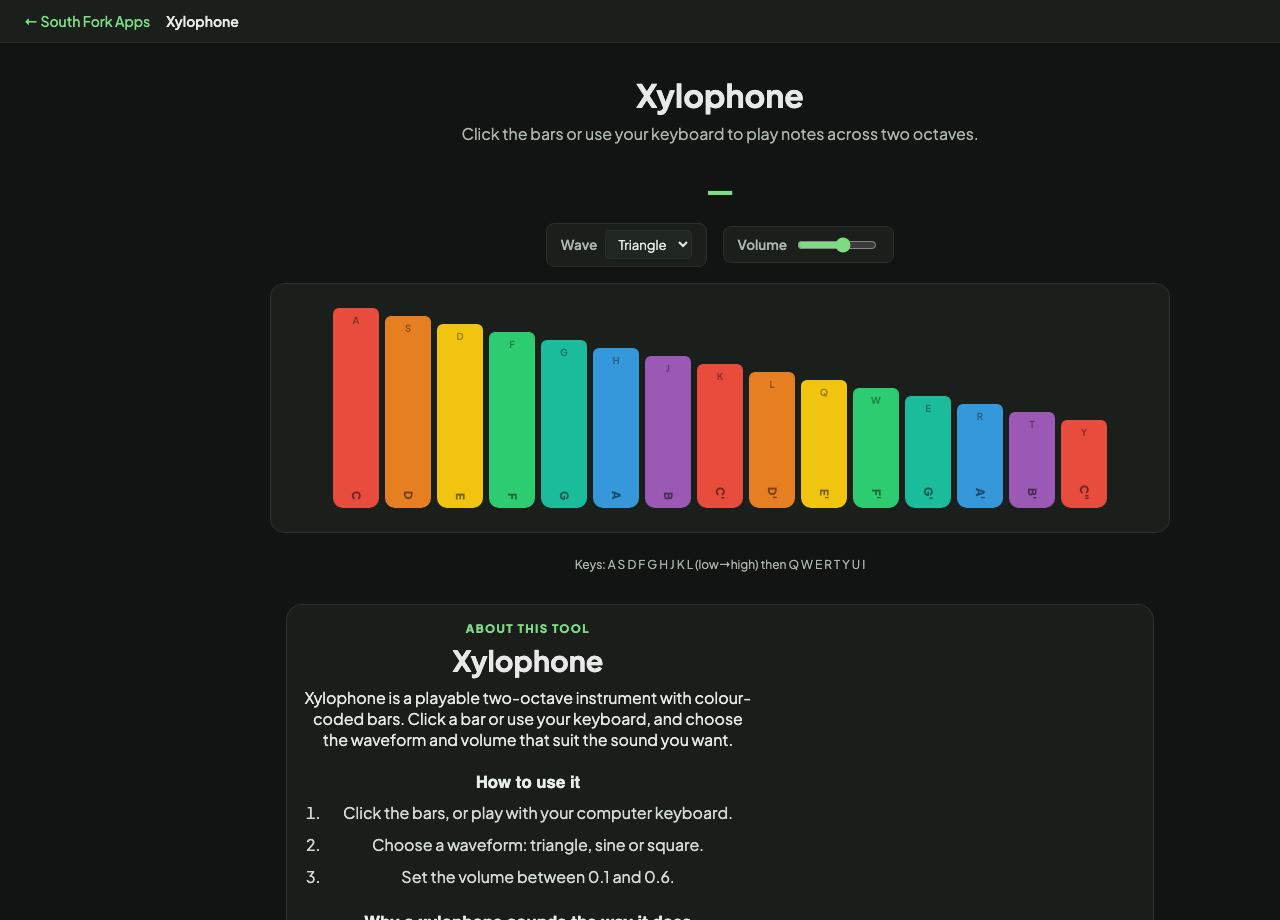
Click the bars or use your keyboard to play notes across two octaves.
—
Keys: A S D F G H J K L (low→high) then Q W E R T Y U I
About this tool
Xylophone
Xylophone is a playable two-octave instrument with colour-coded bars. Click a bar or use your keyboard, and choose the waveform and volume that suit the sound you want.
How to use it
- Click the bars, or play with your computer keyboard.
- Choose a waveform: triangle, sine or square.
- Set the volume between 0.1 and 0.6.
Why a xylophone sounds the way it does
A real xylophone is a struck idiophone with wooden bars. The sound decays almost immediately, which is what makes it read as percussive rather than sustained, and it is why xylophone parts use repeated notes where a string instrument would hold one.
The triangle waveform is the default here because its quiet odd harmonics come closest to a struck wooden bar. A sine is purer and softer, a square is harder and more electronic.
When it helps
- Introducing children to pitch and melody with immediate visual feedback.
- Picking out a simple tune without an instrument.
- Hearing how the same melody changes with different tone colours.
- Classroom use where real instruments are not available.
What this tool handles
- Two full octaves of colour-coded bars.
- Keyboard input works as well as clicking, so you can play faster passages.